64 Navigation System
Pop-Ups and Disclaimers
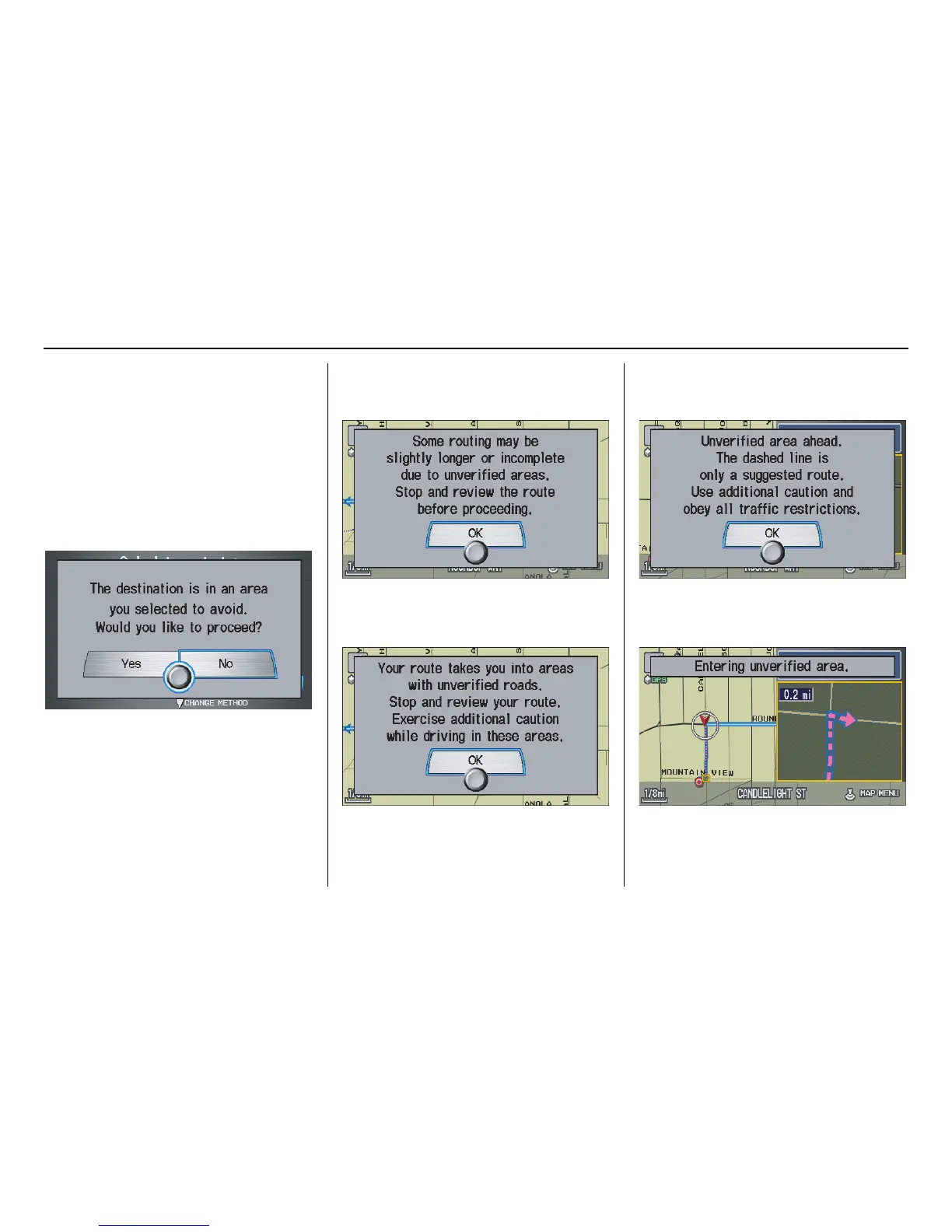
When you say “OK” in the Calculate
Route to screen, or if you change your
route, the system checks your route and
provides you with pop-up messages for
the following situations:
• Your route takes you into an area that
you previously set as an “Avoid
Area” (see Edit Avoid Area on
page 91).
• Your route passes near or bypasses
unverified areas (see Unverified Area
Routing on page 87).
• Your route includes unverified areas
(see Unverified Area Routing on
page 87).
• You are about to enter an unverified
area (see Unverified Area Routing on
page 87).
• You actually entered an unverified
area (see Unverified Area Routing on
page 87).
Driving to Your Destination








 To Next Page