Continued
153
uuGauges and DisplaysuDriver Information Interface
Change the settings to your liking.
■
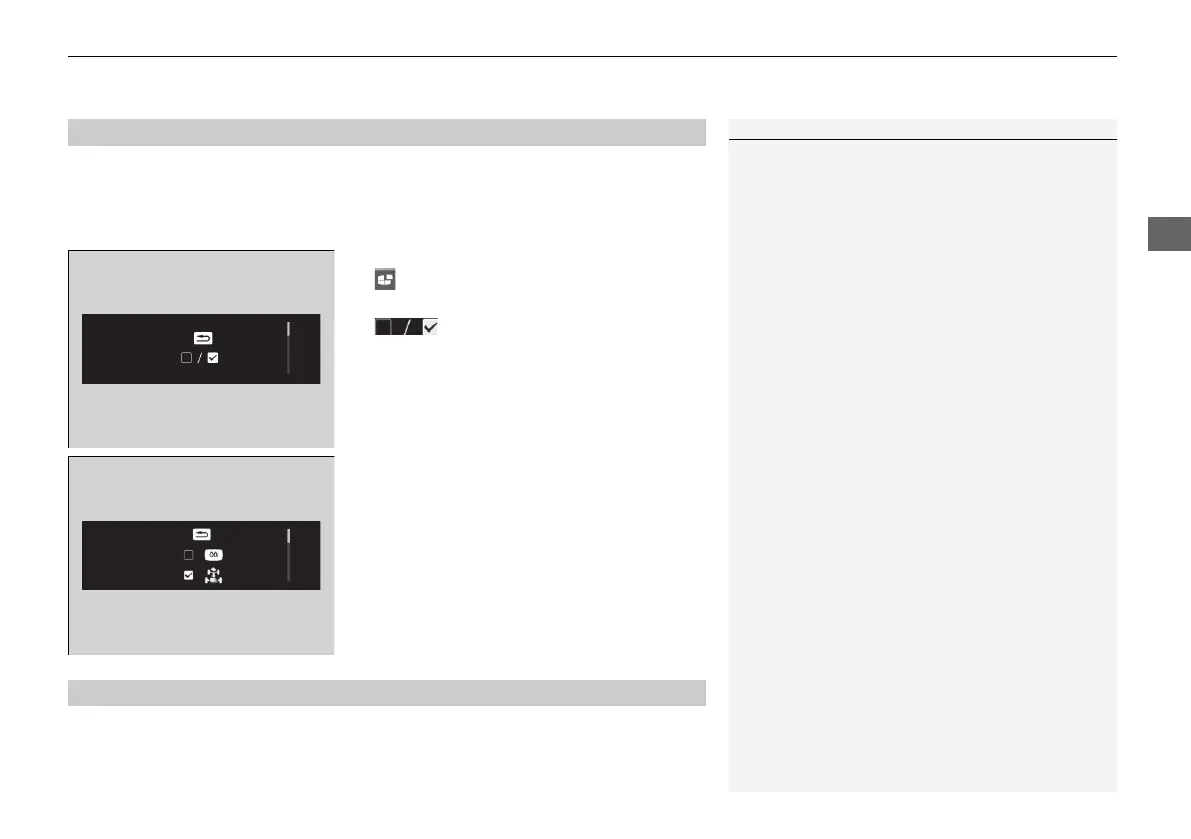
Arrange content
You can choose which icons to display on the home screen.
1. Roll the left selector wheel to scroll to select
, then press the left selector wheel.
2. Roll the left selector wheel to scroll to select
, then press the left selector wheel.
3. Roll the left selector wheel to scroll
between icons, then press the left selector
wheel to check or uncheck them.
2 Driver Information Interface Warning and Information Messages P. 124
■
Customize Display
1Customize Display
Icons that are gray cannot be removed from the
home screen.
■
Information
21 JAZZ HYBRID SSS-32TZA6000.book 153 ページ 2020年1月29日 水曜日 午前10時32分















 To Next Page