uuColour AudiouPlaying a USB Flash Drive
262
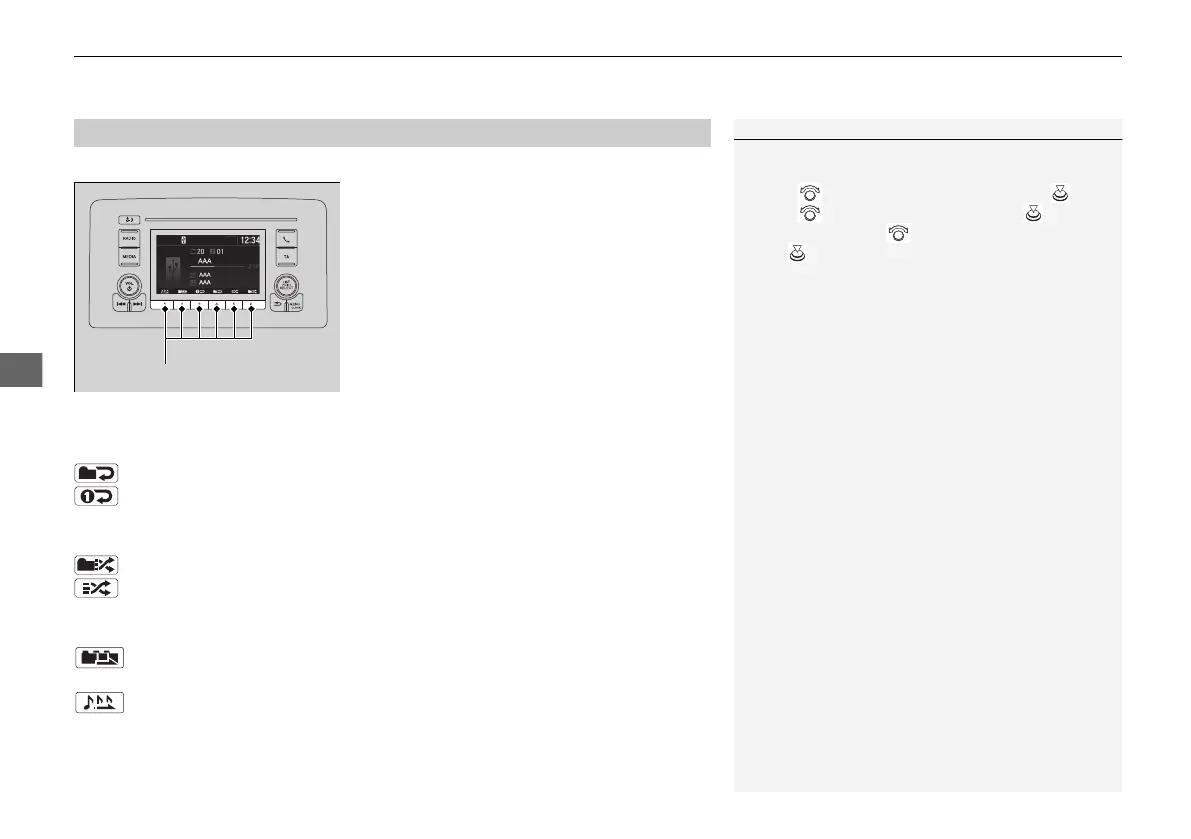
You can select repeat, random, and scan modes when playing a file.
Available mode icons appear above the play
mode buttons.
Press the button corresponding to the mode
you want to select.
■
Repeat/Random/Scan
Repeat
Repeat one folder: Repeats all files in the current folder.
Repeat one track: Repeats the current file.
Random
Random in folder: Plays all files in the current folder in random order.
Random all: Plays all files in random order.
Scan
Scan folders: Provides 10-second sampling of the first file in each of the
main folders.
Scan tracks: Provides 10-second sampling of all files in the current folder.
■
To turn off a play mode
Press the selected button.
■
How to Select a Play Mode
1How to Select a Play Mode
You can also select a play mode by pressing the
MENU/CLOCK button.
Rotate to select Play mode, then press .
Rotate to select a mode, then press .
To turn it off, rotate to select Normal play, then
press .
21 JAZZ HYBRID SSS-32TZA6000.book 262 ページ 2020年1月29日 水曜日 午前10時32分















 To Next Page