Continued
299
uuDisplay AudiouAudio/Information Screen
■
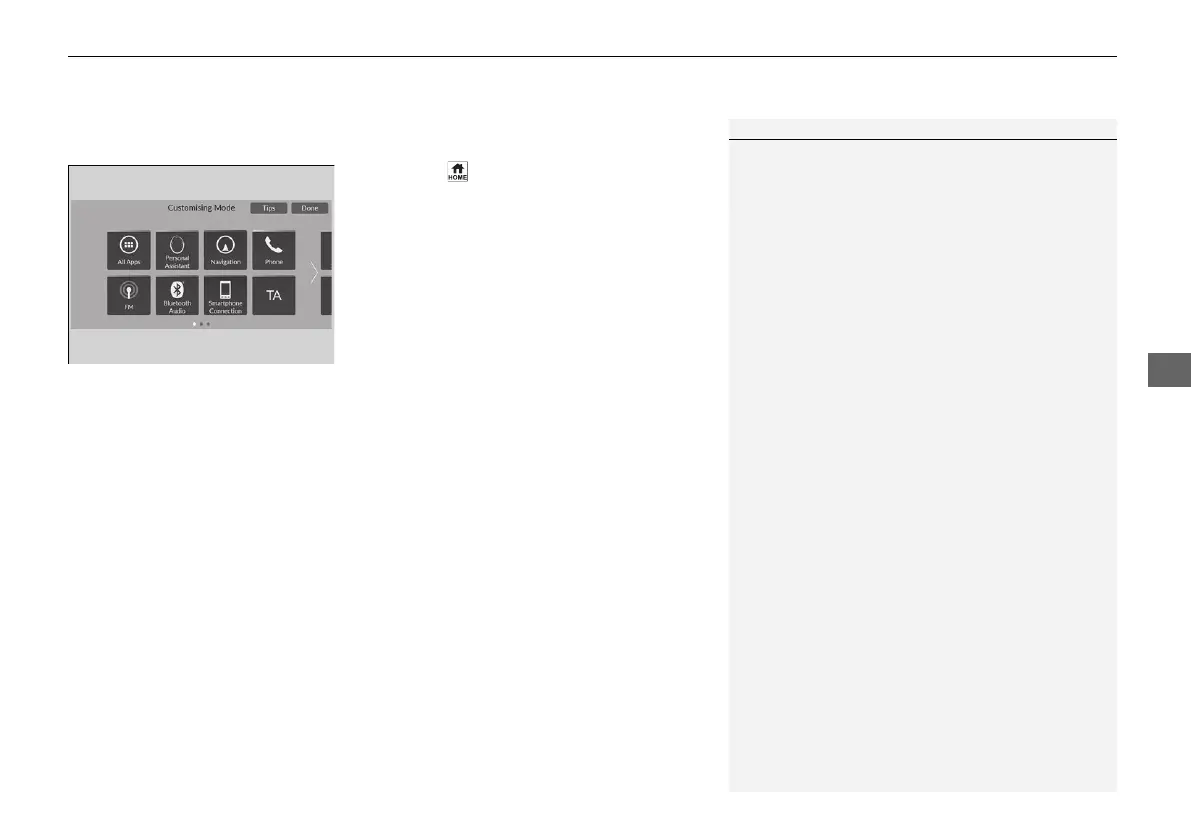
To move icons on the home screen
You can change location on the home screen.
1. Press the button.
2. Select and hold an icon.
u The screen switches to the customization
screen.
3. Drag and drop the icon to where you want
it to be.
4. Select Done.
u The screen will return to the home
screen.
1To move icons on the home screen
Select Tips to show tips. To hide them, select it again.
21 JAZZ HYBRID SSS-32TZA6000.book 299 ページ 2020年1月29日 水曜日 午前10時32分















 To Next Page