uuDisplay AudiouWi-Fi Connection
336
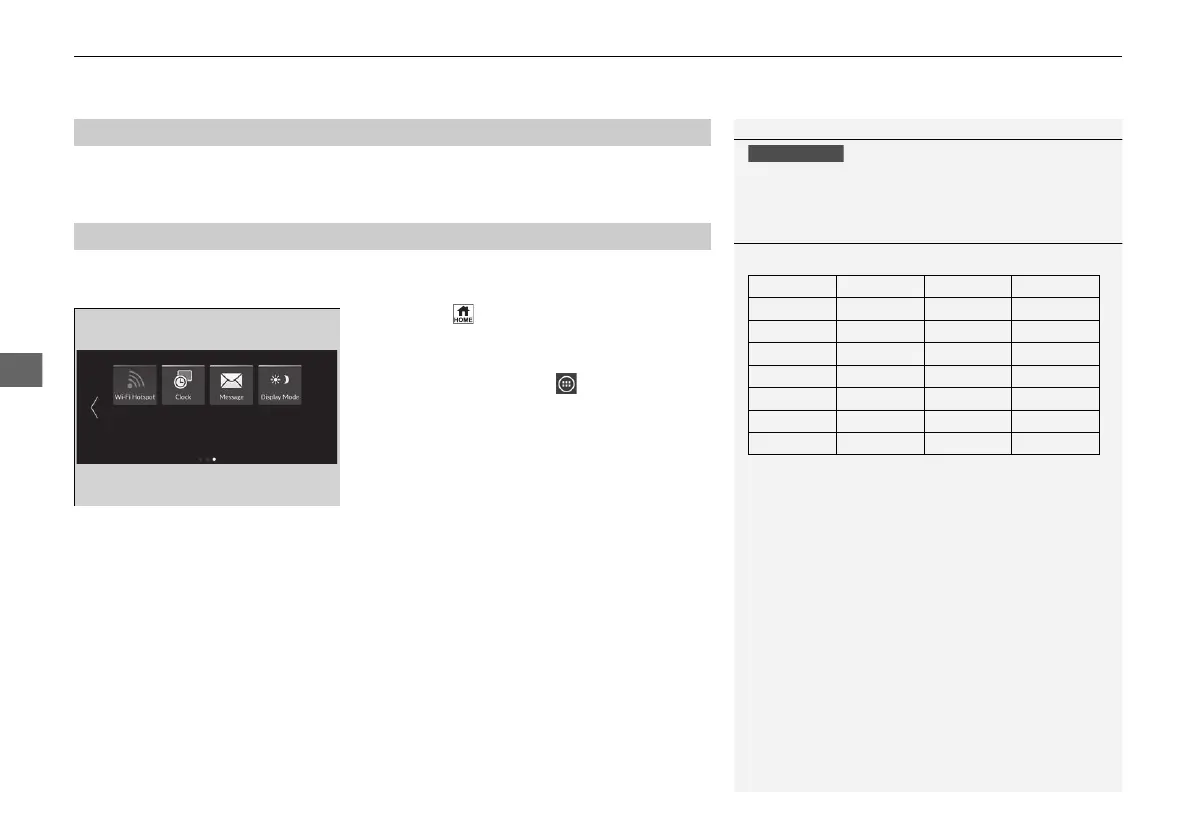
Make sure your phone’s Wi-Fi setting is in access point (tethering) mode.
You can set the network as a Wi-Fi Hotspot of this audio system.
Use the following steps to setup.
1. Press the button.
2. Select Wi-Fi Hotspot.
u If Wi-Fi Hotspot is not displayed on the
home screen, select All Apps.
3. Turn on the hotspot.
4. Select Settings.
u Network SSID and Password are
displayed, and you can change the
settings.
The following settings are available for the setup.
• Network SSID: Set this network name.
• Password: Set password for require entering password when connecting Wi-Fi
device to this network.
u Passwords can be created with half-width alphanumeric characters and spaces,
as well as some special characters.
■
Wi-Fi mode (after the initial setting has been made)
■
Setting the Audio System as a Wi-Fi Hotspot
1Wi-Fi mode (after the initial setting has been made)
You may need to go through an initial setup for Wi-Fi
connection again after you boot your phone.
1Setting the Audio System as a Wi-Fi Hotspot
Special characters that can be used in passwords.
!);]
"*<^
#+=_
$,>`
%- ? {
&.@|
'/[}
(:¥~
21 JAZZ HYBRID SSS-32TZA6000.book 336 ページ 2020年1月29日 水曜日 午前10時32分















 To Next Page