Continued
247
uuAudio System Basic OperationuAudio/Information Screen
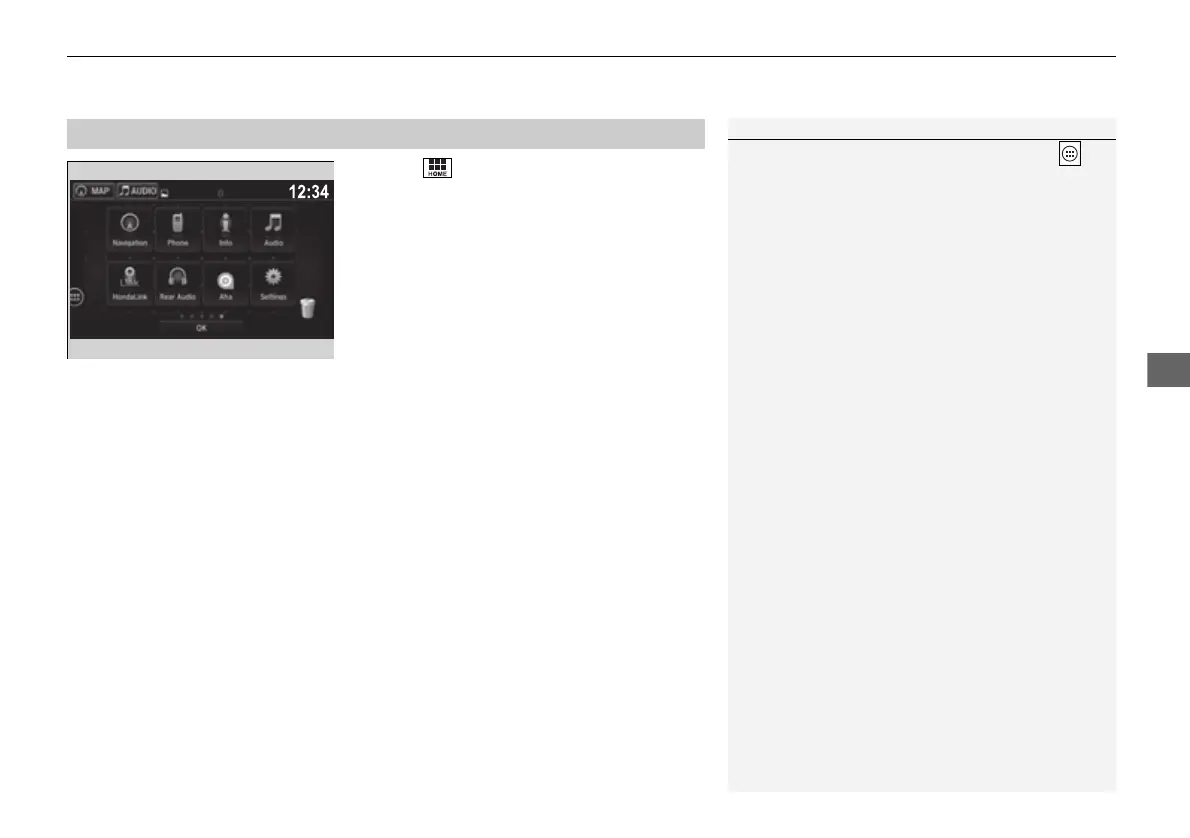
1. Select .
2. Select and hold an icon.
u The screen switches to the customization
screen.
3. Drag and drop the icon to where you want
it to be.
4. Select OK.
u The screen will return to the home
screen.
■
Changing the Home Screen Icon Layout
1Changing the Home Screen Icon Layout
It is not possible to change the position of the
icon.
16 PILOT-31TG76000.book 247 ページ 2016年10月19日 水曜日 午後5時4分















 To Next Page