Continued
257
uuAudio System Basic OperationuAudio/Information Screen
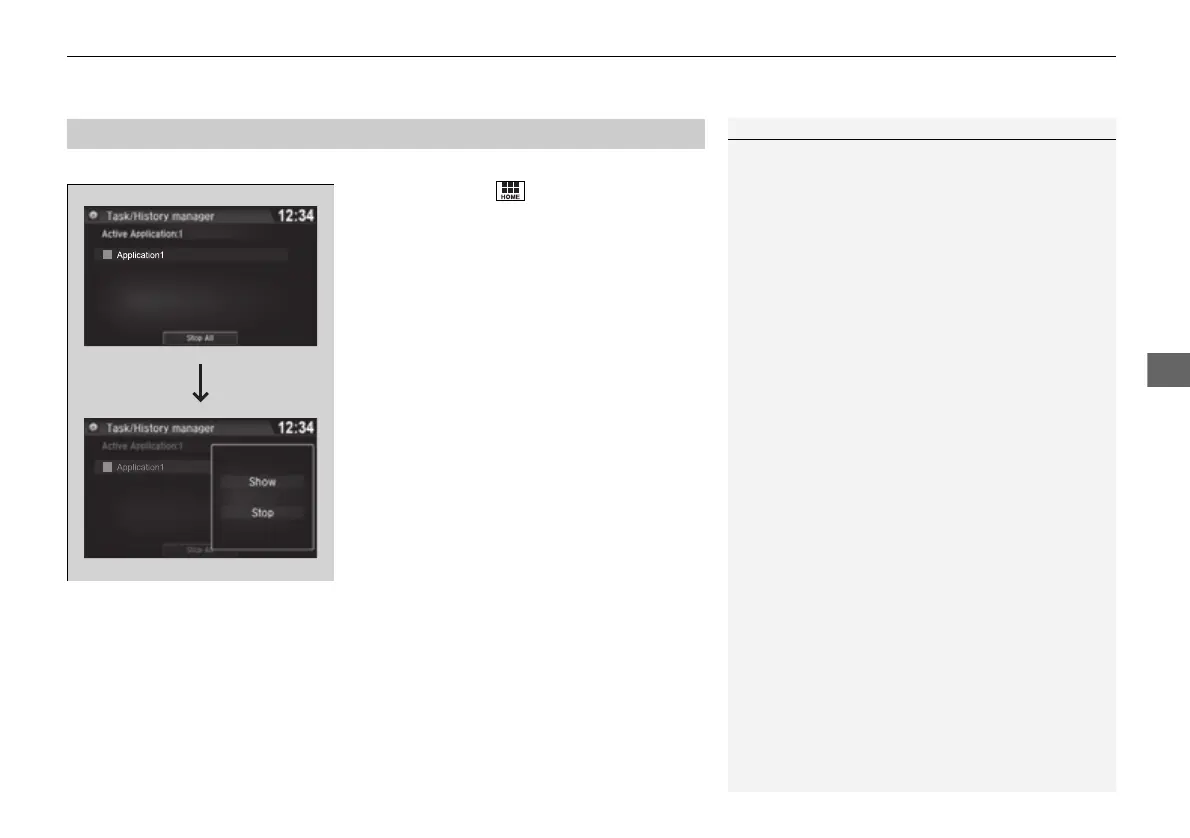
You can close specific apps running in the background on the system.
1. Select and hold .
2. Select an app you want to close.
3. Select Stop.
u The display will return to the app list.
■
Closing Apps
1Closing Apps
If you leave the apps used open in the background,
some apps may stop operating properly next time
using them.
If this happens close unused apps.
To close all apps on the system, select Stop All, then
Yes.
You cannot close the apps of HondaLink®, Aha
TM
and
Garmin
*
.
* Not available on all models
16 PILOT-31TG76000.book 257 ページ 2016年10月19日 水曜日 午後5時4分















 To Next Page