uuAudio System Basic OperationuDisplay Setup
262
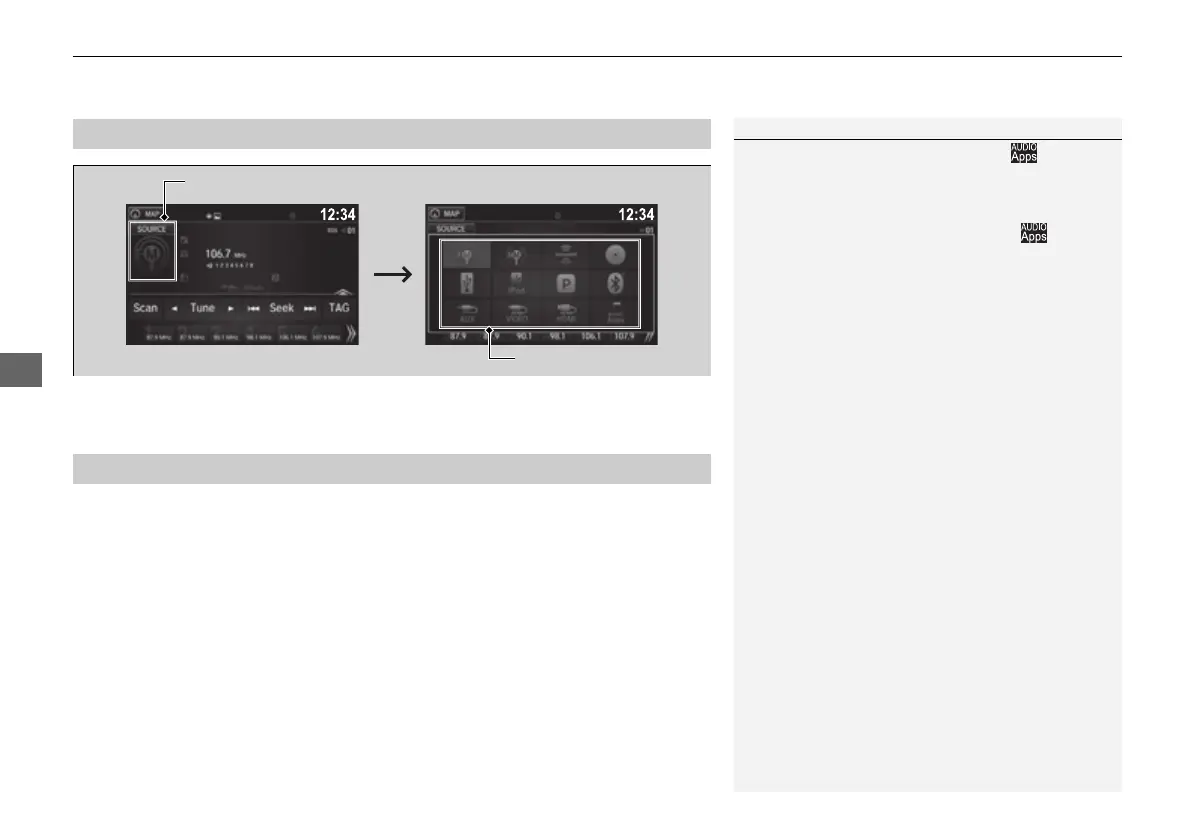
Select the current source icon, then select an icon on the source list to switch the
audio source.
Certain manual functions are disabled or inoperable while the vehicle is in motion.
You cannot select a grayed-out option until the vehicle is stopped.
■
Selecting an Audio Source
1Selecting an Audio Source
If you startup preinstalled audio apps, is
displayed on the lower right of the screen.
These preinstalled apps cannot be displayed on the
source select screen.
You can startup those audio apps from .
When you are using the Aha
TM
screen and you want
to select another source, select AUDIO on the upper
left of the screen. The source select screen will
appear. Select the source you want.
■
Limitations for Manual Operation
Select the source icon.
Source Select Screen
Source List Icons
16 PILOT-31TG76000.book 262 ページ 2016年10月19日 水曜日 午後5時4分















 To Next Page