uuAudio System Basic OperationuSong By Voice
TM
(SBV)
288
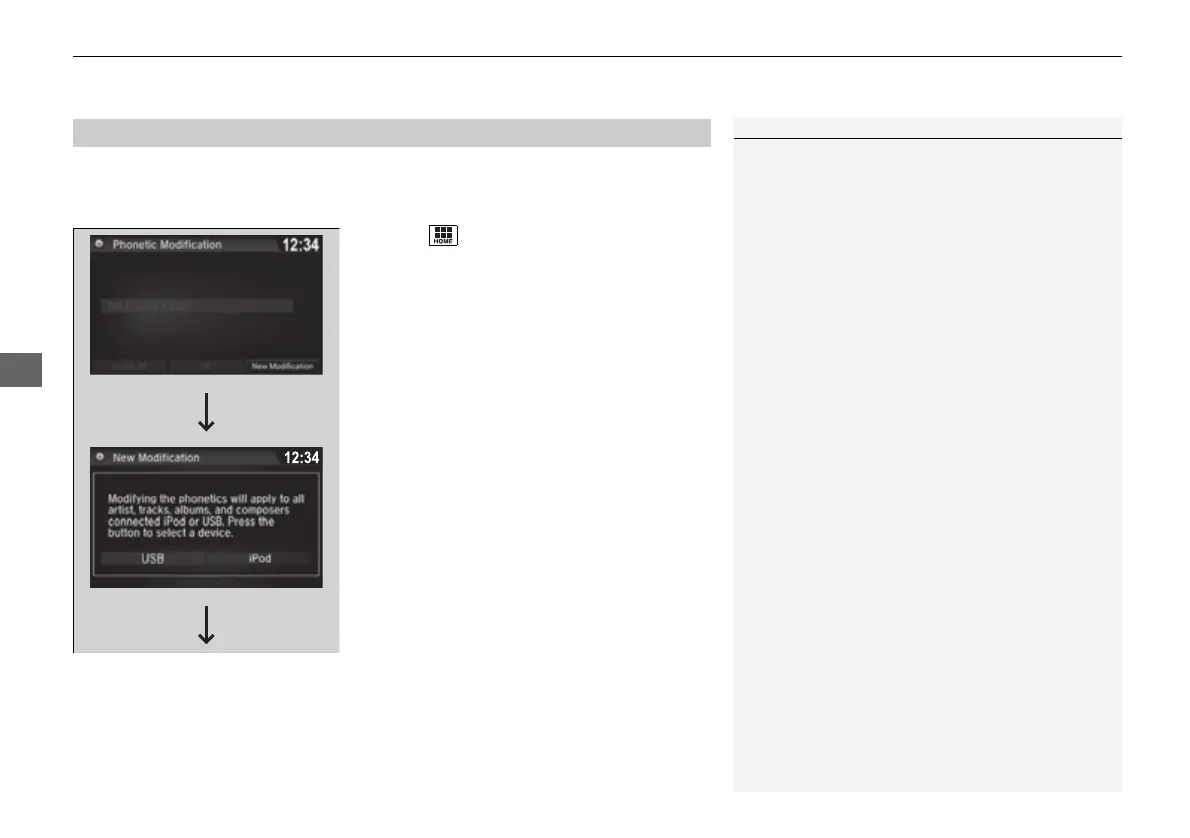
Add phonetic modifications of difficult or foreign words so that it is easier for SBV
to recognize artists, songs, albums, and composers in voice commands when
searching for music on the USB flash drive or iPod.
1. Select .
2. Select Settings.
3. Select System.
4. Select the Voice Recog tab.
5. Select Song by Voice Phonetic
Modification.
6. Select New Modification.
7. Select USB or iPod.
■
Phonetic Modification
1Phonetic Modification
Phonetic Modification is grayed out when Song By
Voice is set to Off.
You can store up to 2,000 phonetic modification
items.
16 PILOT-31TG76000.book 288 ページ 2016年10月19日 水曜日 午後5時4分


 To Next Page
 Loading...












