322
uuBlu-ray/DVD Rear Entertainment System
*
uPlaying a DVD/Blu-ray
TM
*
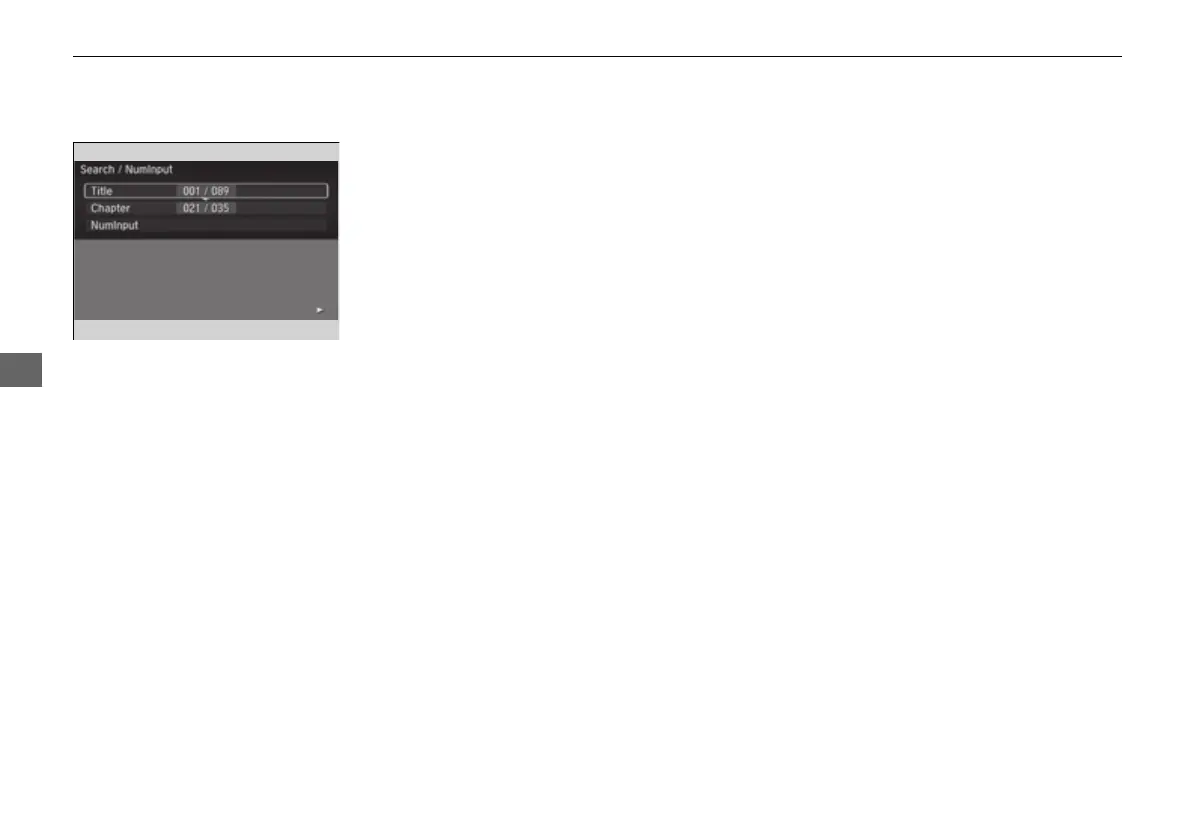
■ Searching a Title/Chapter
1. Press the MENU button on the remote to
display the Menu screen.
2. Select Search / Numinput.
3. Select an item and then press the ENTER
button on the remote.
The following items are available:
• Title: Skips to a title you specify.
• Chapter: Skips to a chapter you specify.
• NumInput: Enters a number of a title or chapter to skip.
16 PILOT-31TG76000.book 322 ページ 2016年10月19日 水曜日 午後5時4分















 To Next Page