323
uuBlu-ray/DVD Rear Entertainment System
*
uPlaying a DVD/Blu-ray
TM
*
Continued
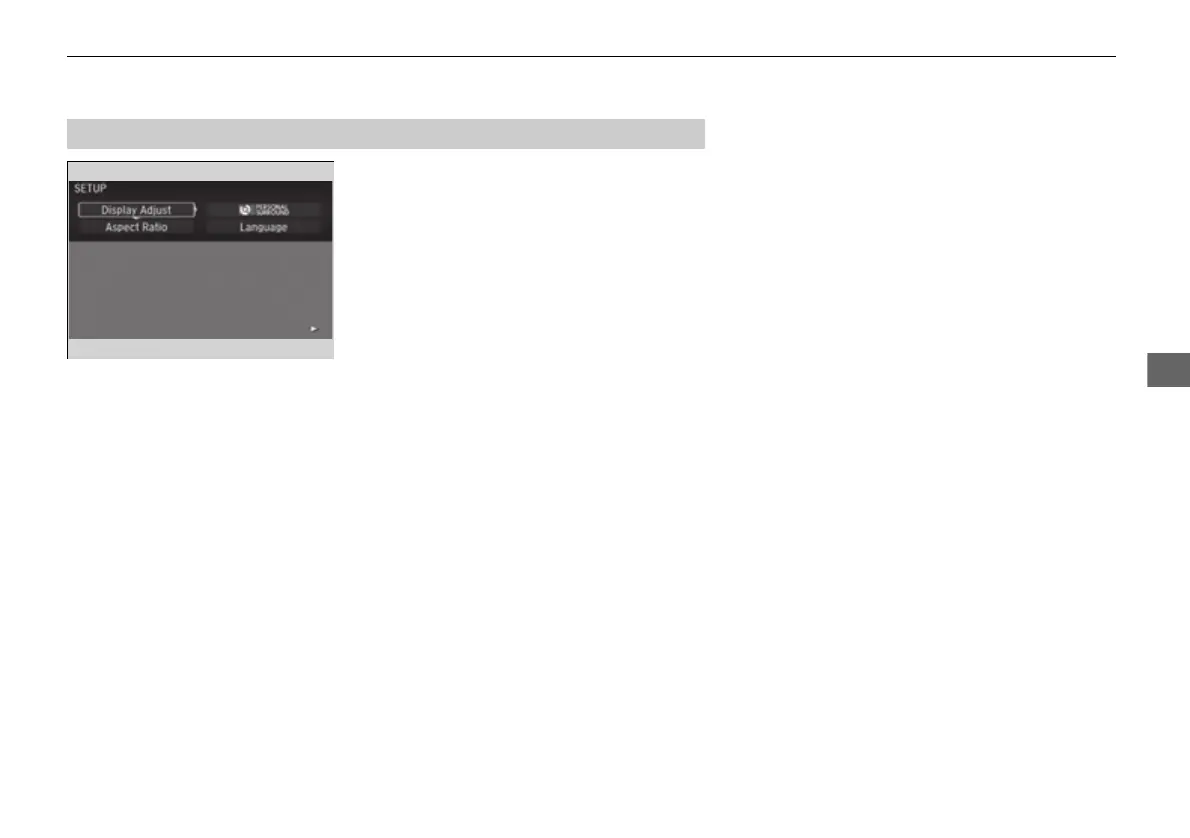
1. Press the SETUP button on the remote to
display the SETUP screen.
2. Select an item and then press the ENTER
button on the remote.
The following items are available:
• Display Adjust: Adjusts the screen's preferences.
2 Adjusting the Screen P. 324
• Aspect Ratio: Selects an aspect ratio of the image.
2 Setting the Aspect Ratio P. 325
• PERSONAL SURROUND: Sets the surround of the wireless headphones.
2 Setting the Personal Surround P. 325
• Language: Sets the system language used on all screens.
2 Setting the Language P. 326
After you make all the adjustments, the screen goes back to the top SETUP screen,
or press the CANCEL button to return.
■
Screen and Surround Settings
16 PILOT-31TG76000.book 323 ページ 2016年10月19日 水曜日 午後5時4分















 To Next Page