326
uuBlu-ray/DVD Rear Entertainment System
*
uPlaying a DVD/Blu-ray
TM
*
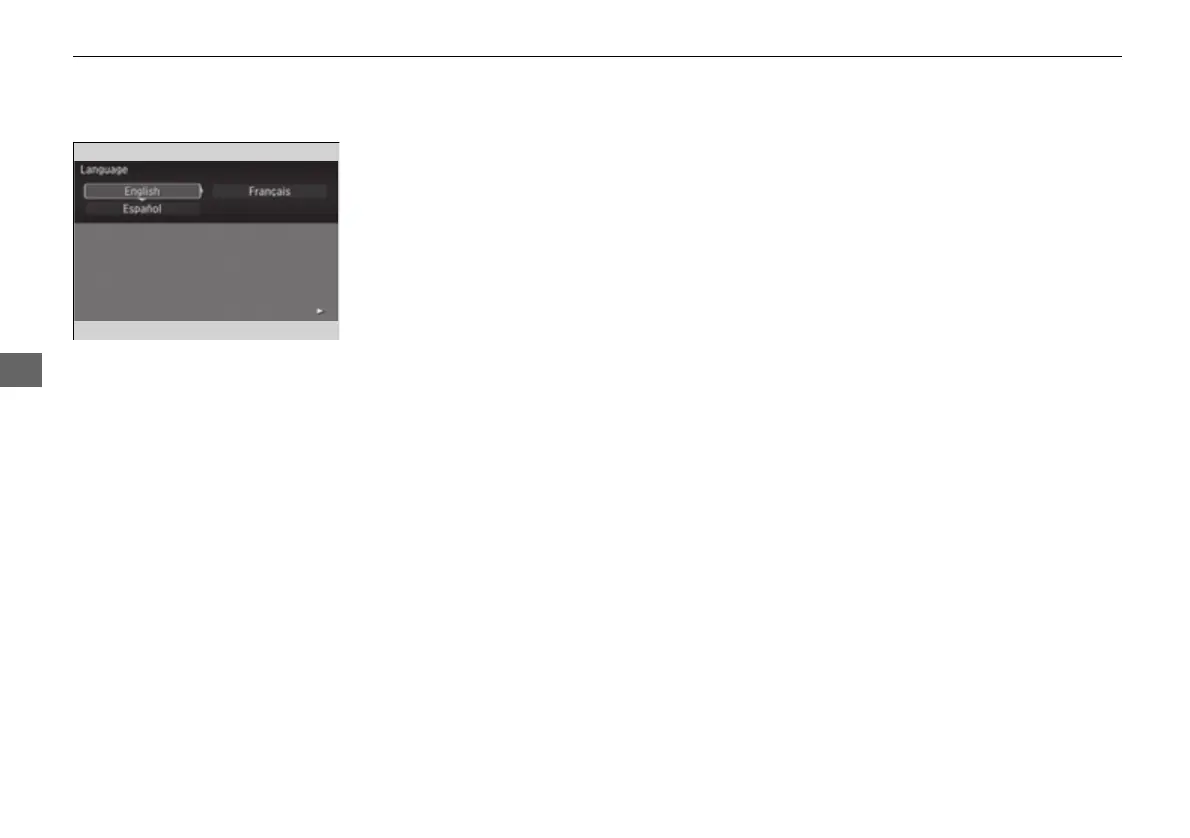
■ Setting the Language
1. Press the SETUP button on the remote to
display the SETUP screen.
2. Select Language and then press the
ENTER button on the remote.
3. Select the setting you want.
u You can select the language from
English, French, or Spanish.
16 PILOT-31TG76000.book 326 ページ 2016年10月19日 水曜日 午後5時4分















 To Next Page