EasyManua.ls Logo

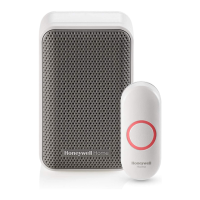
Honeywell Home RDWL917AX2000 - Specifications and Troubleshooting; Troubleshooting Guide

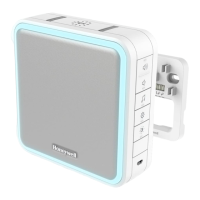
Honeywell Home RDWL917AX2000
32 pages
To Next Page IconTo Next Page
To Previous Page IconTo Previous Page
Loading...
8
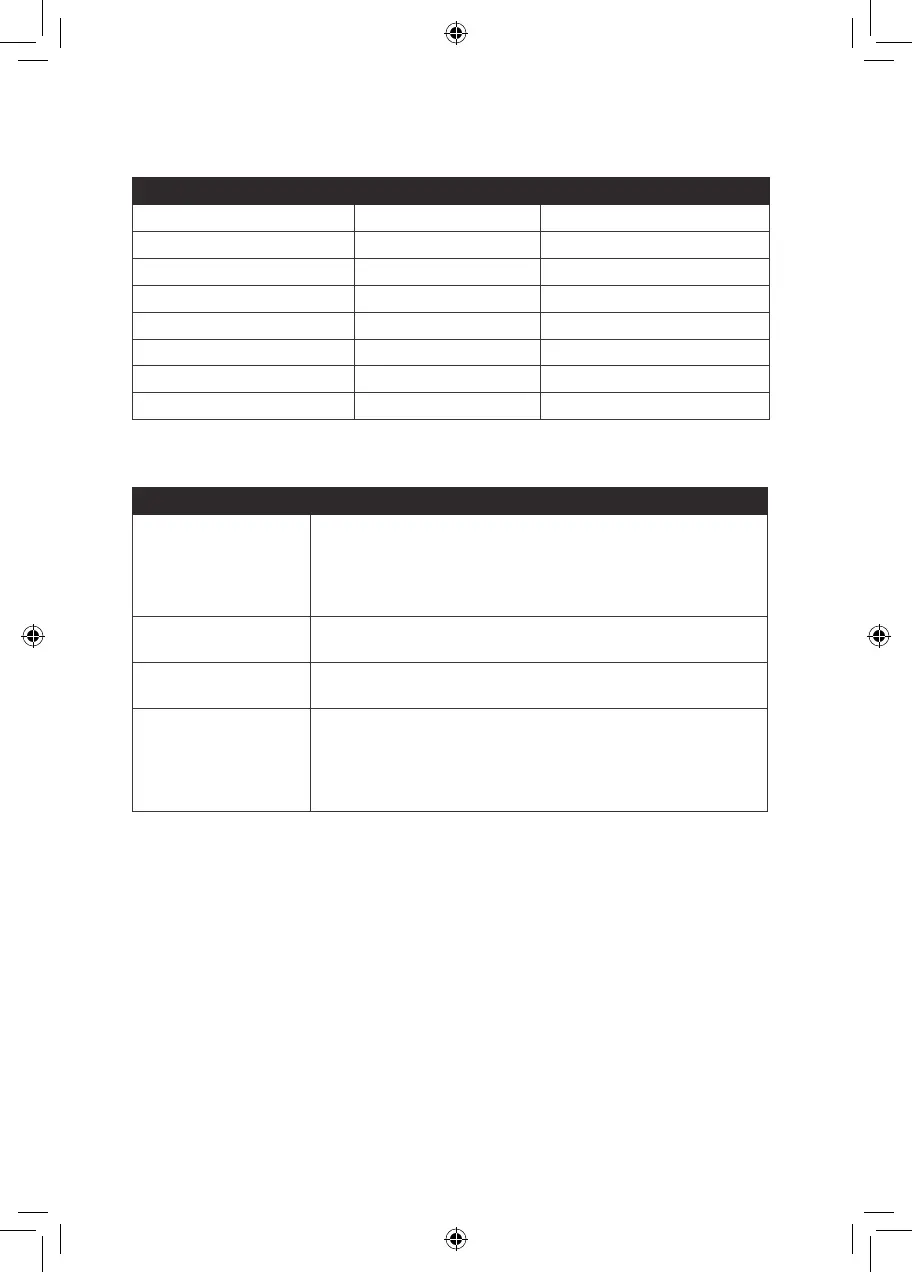
Specications
Doorbell Push Button
Operating Temperature  
Honeywell ActivLink™ 916.8 MHz 916.8 MHz
  
 84dBA -
RF Power - <1.2W
Battery Type  
 Up to 5 years Up to 2 years
Rain proof N/A Pass UL1598 rain test.
Troubleshooting
If Then
The doorbell does not work
1. Press the Mute button until all of the Mute lights are off.
2. 
with the correct polarity.
3. The doorbell might be out of range; try the doorbell in a different location.
4. 
Two ‘beep’ sounds are heard
after the normal tune


at the bottom edge

Range is reduced
1. 
mount the the doorbell or doorbell push on or near metal structures.
2. Move the doorbell closer to the doorbell push.
3. 
batteries may need to be replaced more often.
For help please visit yourhome.honeywell.com or call 1-800-468-1502.
33-00184EFS_A.indd 8 4/15/2016 3:15:05 PM

Related product manuals