2
On the Wireless Relay Box
1
Press the pinhole button for 3 sec. The
LED should ash ORANGE once.
2
Press and hold the button for 3 sec. The
LED should blink ORANGE continuously.
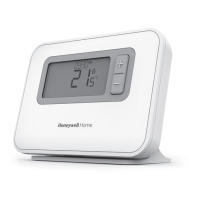
On the Programmable Thermostat
3
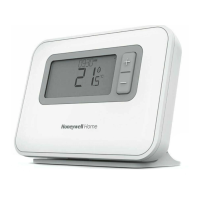
Hold the Thermostat ~1m away from the
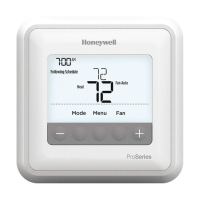
Relay Box and press the MENU and buttons
together for 3 sec to enter binding menu.
If 14A and 0 is ashing follow steps 4-8
If 14A and 1 is ashing follow steps 9-12
4
Press the button. 0 should start ashing.
5
Press the button. 1 should start ashing. A small
1 will appear on left side. If a 0 appears repeat.
6
Press the button until SAVE is displayed. The
LED on the Relay Box should change to GREEN.
7
Press the button to return to the Home Screen.
8
Cycle the temperature all the way up and then all
the way down to test that the Relay Box is switching
on and o (this might take a few minutes).
If 14A and 1 is ashing follow these steps
9
Press the button until 14C:0 is displayed.
10
Press the button. 0 should start ashing.
11
Press the button. 1 should start ashing.
12
Press the button to SAVE and follow steps 3-8.
EN


 To Next Page
 Loading...