TrueFRESH™ ERV/HRV Ventilation Systems 69-2480EF—17 19
Installation Steps (continued)
3b
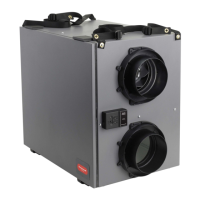
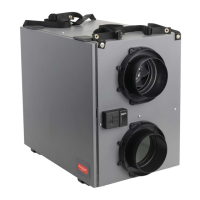
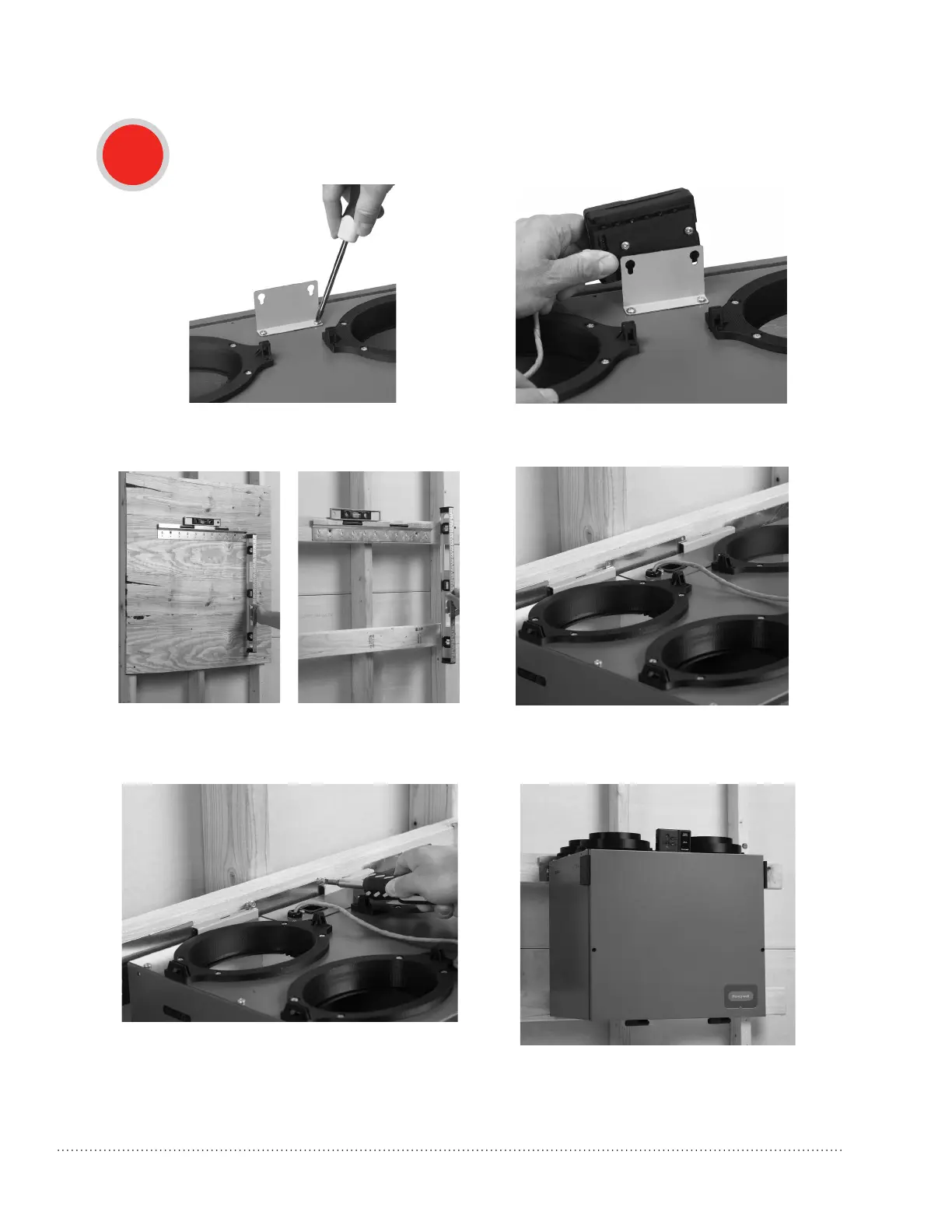
Mounting the VNT5070
1. Fix the control module bracket to the top of the
VNT5070usingthesuppliedmountingscrews.
2. Slide the control module onto the bracket
using the key holes.
NOTE: When these mounting steps are complete, resume normal installation procedures beginning on
page 20, “Installing the flex duct to the ERV/HRV.”
3. Fix the wall mount bracket to two 2x4s or to
a precut sheet of plywood using the supplied
mounting screws.
4. Hang the unit on the bracket.
5. Secure with two sheet metal screws.


 To Next Page
 Loading...