8
Honeywell 35 Series IP Cameras User Guide
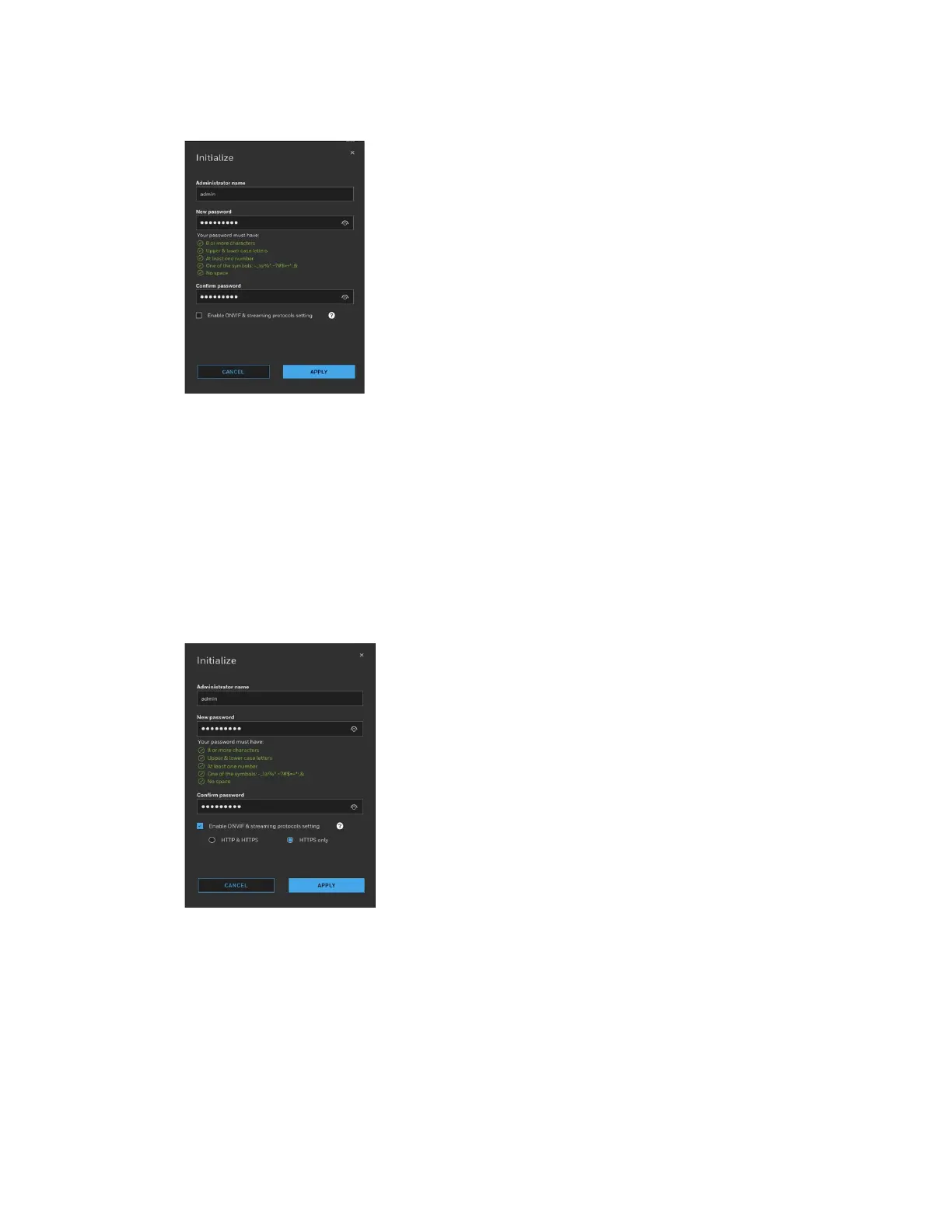
Figure 7 Initialize Page 1
On the Initialize page, set Administrator name and New password. Select the checkbox
to enable ONVIF & streaming protocols setting. Select HTTPS only. Click APPLY.
•
Honeywell strictly recommends to use HTTPs only and Honeywell will
not hold responsible for the consequences.
•
ONVIF & streaming protocols setting only supports 35 & 70 series
camera. Unsupported model will be skipped.
Figure 8 Initialize Page 2
After initializing successfully, you can authenticate the camera and configure other
setting.
Assigning a New IP Address to Your Camera
The current IP address of your camera appears in the IP ADDRESS column of the
devices list. If you want, you can assign a new static IP address to the camera.



 To Next Page
 Loading...