Configuring System Settings
69
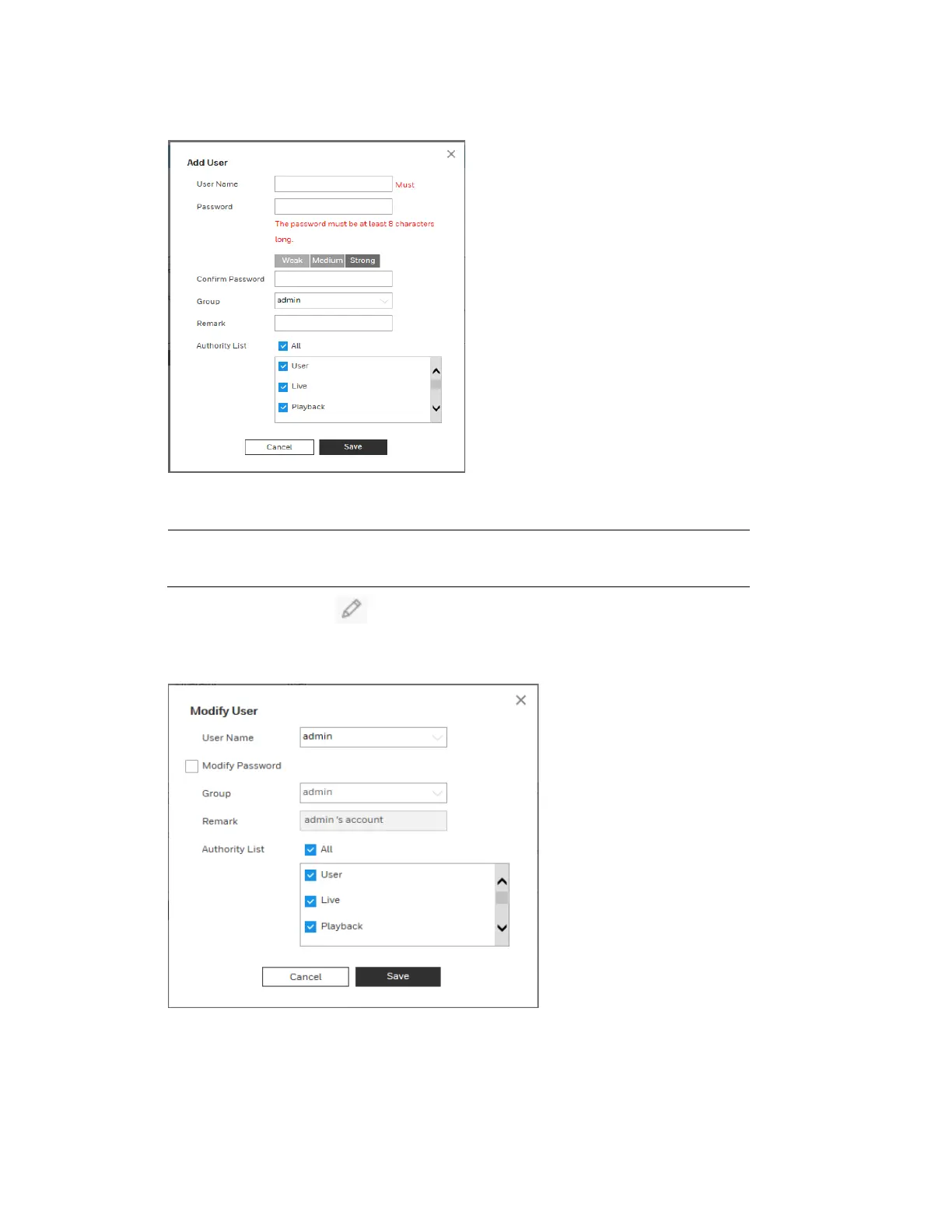
Figure 9-4 Add User
To add a user, in the Add User configuration interface, enter a user name and password, then
select a group. Ensure that a general user has fewer rights than the admin user.
Note
A user’s rights cannot exceed the rights of the group to which the user
belongs.
Modifying Users: Click to modify a user’s properties, including their group, passwords,
and rights.
Figure 9-5 Modifying User
Modifying Password: Enter the old password once, and then enter the new password twice to
confirm the new password. Click Save to save the new settings.



 To Next Page
 Loading...