EasyManua.ls Logo

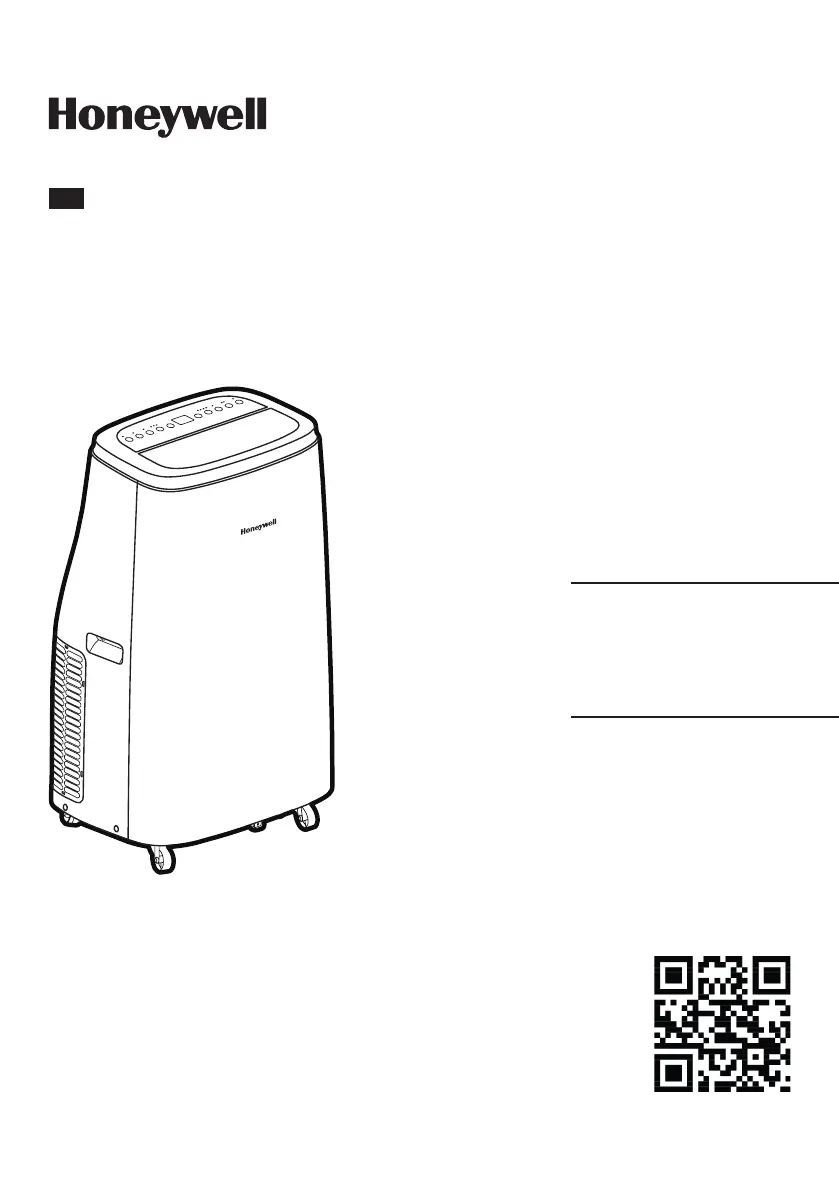
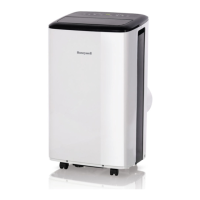
Honeywell HJ0CESWK7 - User Manual

Honeywell HJ0CESWK7
22 pages
Print Icon
To Next Page IconTo Next Page
Loading...
Model:
HJ0CESWK7/
HJ2CESWK8/
HJ4CESWK9/
HJ5CESWK0
Portable Air Conditioner
User Manual
Read and save these instructions before use
EN
Customer Support:
Web: www.jmatek.com
USA: 1-800-474-2147 | usinfo@jmatek.com
CANADA^: canadainfo@jmatek.com
^ Canada Customer Support service available for models sold in Canada only.

Questions and Answers

  • A
    Amy SmithAug 4, 2025
    What to do if my Honeywell HJ0CESWK7 Air Conditioner does not start?
    • B
      Barbara ReyesAug 4, 2025
      If your Honeywell Air Conditioner isn't starting, there are several things to check: * **Power:** Ensure the unit is receiving electricity. * **Remote Batteries:** Replace the batteries in the remote control. * **Power Cord:** Remove and reconnect the power cord to ensure it's properly plugged in. * **Safety LCDI Plug (USA/Canada/Mexico only):** Reset the safety LCDI plug. If the problem continues, contact customer support.
  • K
    kjimenezAug 17, 2025
    Why does my Honeywell HJ0CESWK7 Air Conditioner run for only a short while?
    • N
      Nicole BryantAug 17, 2025
      If your Honeywell Air Conditioner runs for only a short time, it could be due to the following reasons: * The thermostat temperature setting might be too close to the room temperature. Try lowering the set temperature. * The air outlet may be blocked. Ensure that the hose is properly connected. * There might be tight bends in the air hose. Connect the hose as per the instructions.

Summary

Safety Precautions

User Tips

Unit Operation Modes

Explains cooling, dehumidifying, and fan-only operation modes.

Important Setup Notes

Provides critical instructions before initial unit installation and use.

Parts Description

Installation Guide

Installation Kit Components

Lists and illustrates all parts included in the installation kit.

Window Bracket Kit Assembly

Details on assembling and fitting the window bracket for sliding windows.

Use and Operation

Control Panel Overview

Overview of the control panel buttons, indicators, and their functions.

Core Operation Modes

Explanation of power, fan speed, mode settings, and temperature adjustments.

Advanced Operating Features

Details on sleep mode, timer functions, swing control, and auto defrost feature.

Remote Control Operation

Instructions for using the remote control, including battery installation.

Cleaning and Maintenance

Appliance and Filter Cleaning

Procedures for general appliance cleaning and dust filter maintenance.

End of Season Storage

Steps for proper storage of the unit at the end of the season.

Water Condensation Drainage

Manual Draining Procedures

How to manually drain condensed water in cooling and dehumidifying modes.

Continuous Drainage in Dehumidifier Mode

Instructions for continuous water drainage when unit is in dehumidifier mode.

Troubleshooting Guide

Error Code Guide

Honeywell HJ0CESWK7 Specifications

General IconGeneral
TypePortable Air Conditioner
Room SizeUp to 450 sq. ft.
Fan Speed3
RefrigerantR32
Dimensions18.1 x 15.2 x 30.3 inches
Power Supply115V/60Hz
Noise Level52 dB
Weight63.9 lbs
Cooling Power10, 000 BTU
Cooling Capacity10000 BTU

Related product manuals