EasyManua.ls Logo

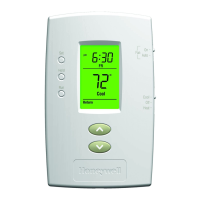
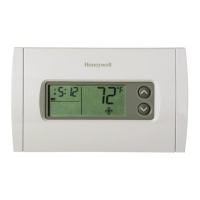
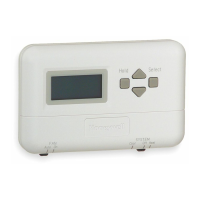
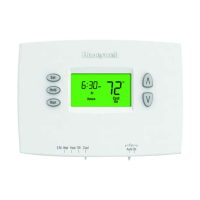
Honeywell PRO 2000 Series - User Manual

Honeywell PRO 2000 Series
24 pages
Print Icon
To Next Page IconTo Next Page
Loading...
l
t
lJ
I
L
l
,)
J
l.\'
H
,
H
r
,
.
®
"
6
:
~
Q
L
....
.
®
1
2"
J
O
p
e
r
a
t
i
n
g
@
'II:'
-----...--
M
a
nu
a
l
0
0

Other manuals for Honeywell PRO 2000 Series

Question and Answer IconNeed help?

Do you have a question about the Honeywell PRO 2000 Series and is the answer not in the manual?

Summary

About Your New Thermostat

Quick Reference to Controls

Quick Reference to Display Screen

Set the Time and Day

Select the System Setting

Select the Fan Setting

Save Money by Setting Program Schedules

Energy Saving Settings for Maximum Cost Savings

To Adjust Program Schedules

Program Schedule Override (Temporary)

Program Schedule Override (Permanent)

Built-in Compressor Protection

Early Start

Battery Replacement

Customer Assistance

In Case of Difficulty

2-Year Limited Warranty

Honeywell PRO 2000 Series Specifications

General IconGeneral
Display TypeDigital
ProgrammableYes
Stages1 Heat/1 Cool
Temperature Control±1°F
Hold FeatureYes
Filter Change AlertYes
Low Battery IndicatorYes
Power SourceBattery or Hardwired
Temperature Range40°F to 90°F (4°C to 32°C)

Related product manuals