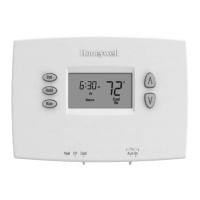
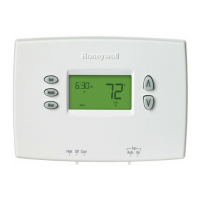
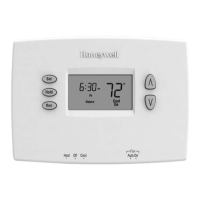
Operating Manual
69-2577EF—03 14
Hold
Set
am
70
6
:
30
Set
am
75
6
:
30
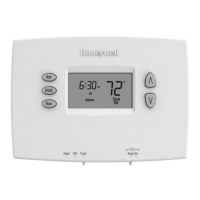
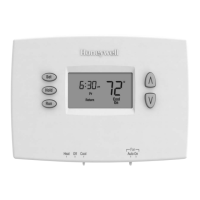
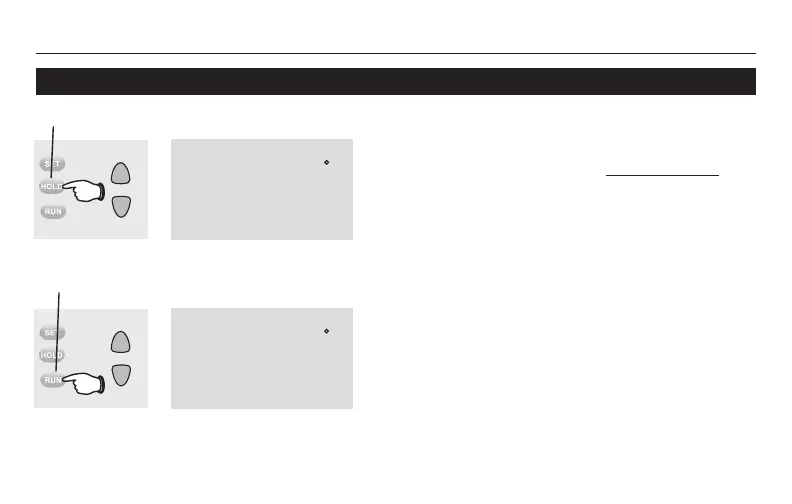
Program schedule override (permanent)
Note: Make sure the thermostat is set to the system
you want to control (heat or cool).
Press to permanently adjust temperature.
Press HOLD to permanently adjust
the temperature. This will override the
temperature settings for all time periods.
The “Hold” feature turns off the program
schedule and allows you to adjust the
thermostat manually, as needed.
Whatever temperature you set will be
maintained 24 hours a day, until you
manually change it, or press RUN to cancel
“Hold” and resume the program schedule.
Press to cancel “Hold” setting and resume
program schedule.


 To Next Page
 Loading...