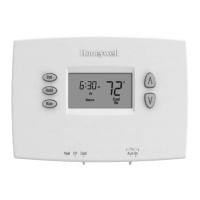
RTHL2310/RTHL221
5 69-2577EF—03
M32701
We
Batt
Wake
Set
am
Heat
75
On
6
:
30
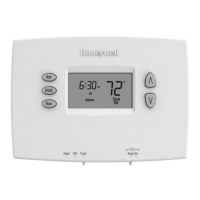
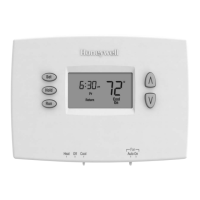
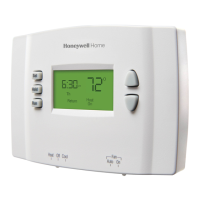
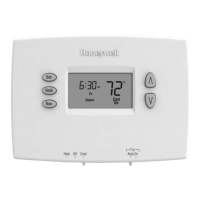
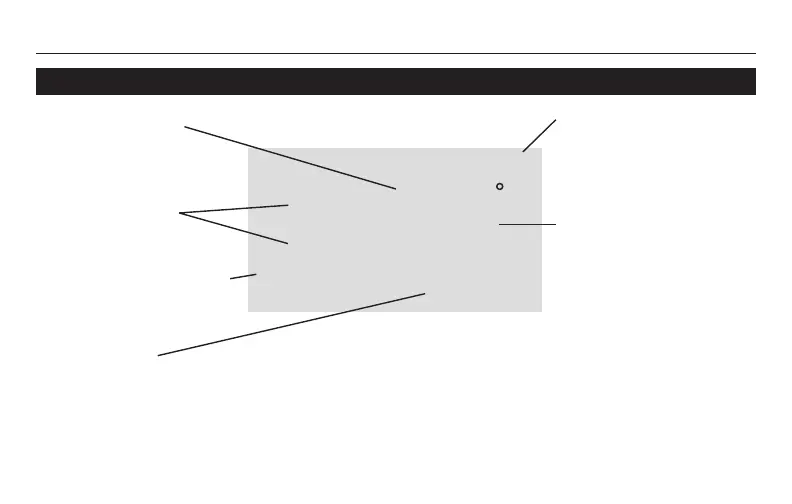
Quick reference to display screen
Low battery warning
(see page 16)
Setpoint indicator
Appears when the
setpoint temperature
is displayed.
Temperature
The ambient (measured)
temperature is normally
displayed. To view the
setpoint temperature,
press the Up or Down
button once. The setpoint
temperature will appear for
five seconds.
System status
Cool on: Cooling system is on.
Heat on: Heating system is on.
When Cool On is flashing, compressor protection is engaged (see page 15).
Current day/time
(see page 6)
Current program period
Wake/Leave/Return/Sleep
(see pages 9-10)


 To Next Page
 Loading...