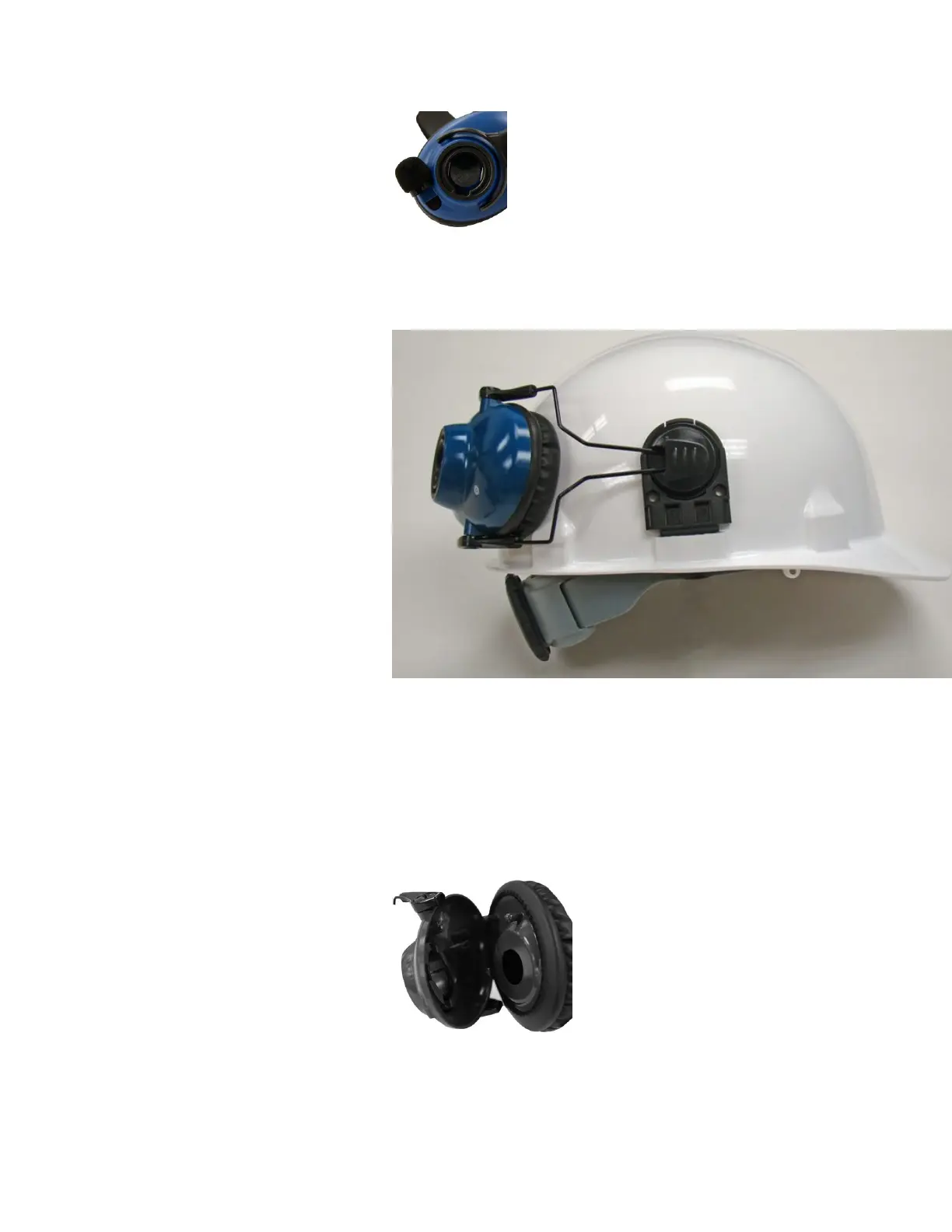
3. Pull the earcup and fork assembly out away from the hard hat until the fork
snaps into the outer lock position.
4. Rotate the headset n the hard-hat clip until the earcup rests against the side
of the hat.
Replacing an Earpad on the SRX2/SRX3 Hard-Hat or
High-Noise Headset
1. Remove the electronics module from the earcup.
2. Pry the earcup apart by grasping the inside and outside sections of the
earcup and pulling the two sections apart.
3. Remove the worn foam earpad from the inside plate.
SRX3 User Guide - Preliminary 32



 To Next Page
 Loading...