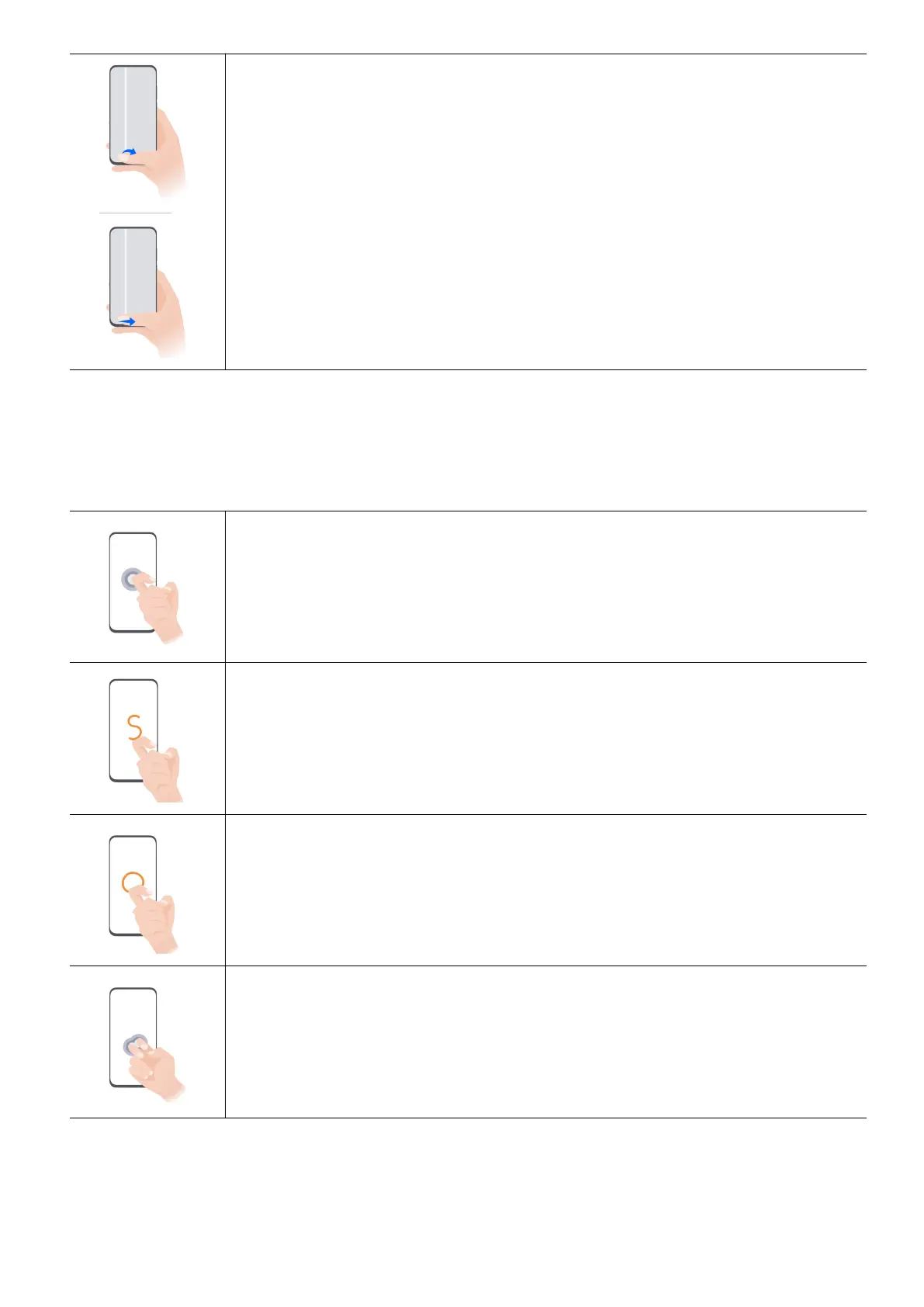
Switch apps
• Swipe along the bottom edge of the screen.
Before using this function, go to System navigation and tap Settings.
Make sure Slide across bottom to switch apps is turned on.
• Swipe in an arc along the bottom edge of the screen.
Knuckle Gestures
Go to Settings > Accessibility features > Shocuts & gestures to enable Screenshot/
Global FavoritesRecord screen.
Take a screenshot
Knock twice on the screen with a knuckle to take a screenshot.
Take a scrollshot
Knock on the screen with a knuckle and draw an "S" to take a scrolling
screenshot.
Capture pa of the screen
Knock and draw an enclosed area with a knuckle to capture of the
screen.
Record screen
Knock twice on the screen with two knuckles to or end a screen
recording.
Get Familiar
2



 To Next Page