More Gestures
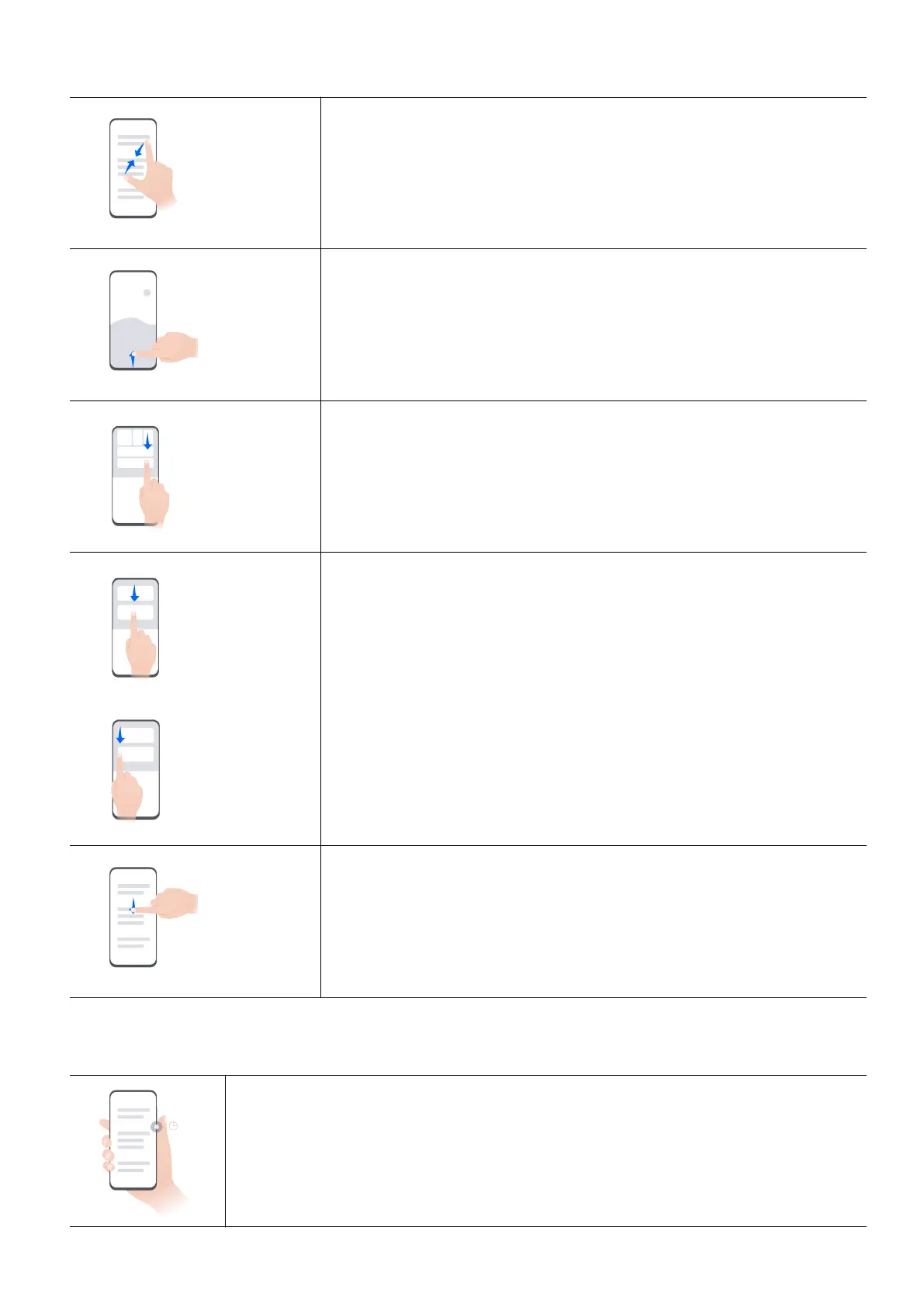
Enter home screen editing mode
Pinch with two on the home screen
Enable lockscreen quick access panel
While the screen is locked, tap the screen and swipe up from
the bottom with one
Open Control Center
Swipe down from the top right of the screen
Open Notication Center and search
Swipe down from the top middle or left of the screen
Open global search page
Swipe down from the center of the screen
Learn about the buttons
Power
o/Resta
Long press the power button until the Power o and Resta menus pop
up on the phone, tap the corresponding menu.
Get Familiar
3



 To Next Page