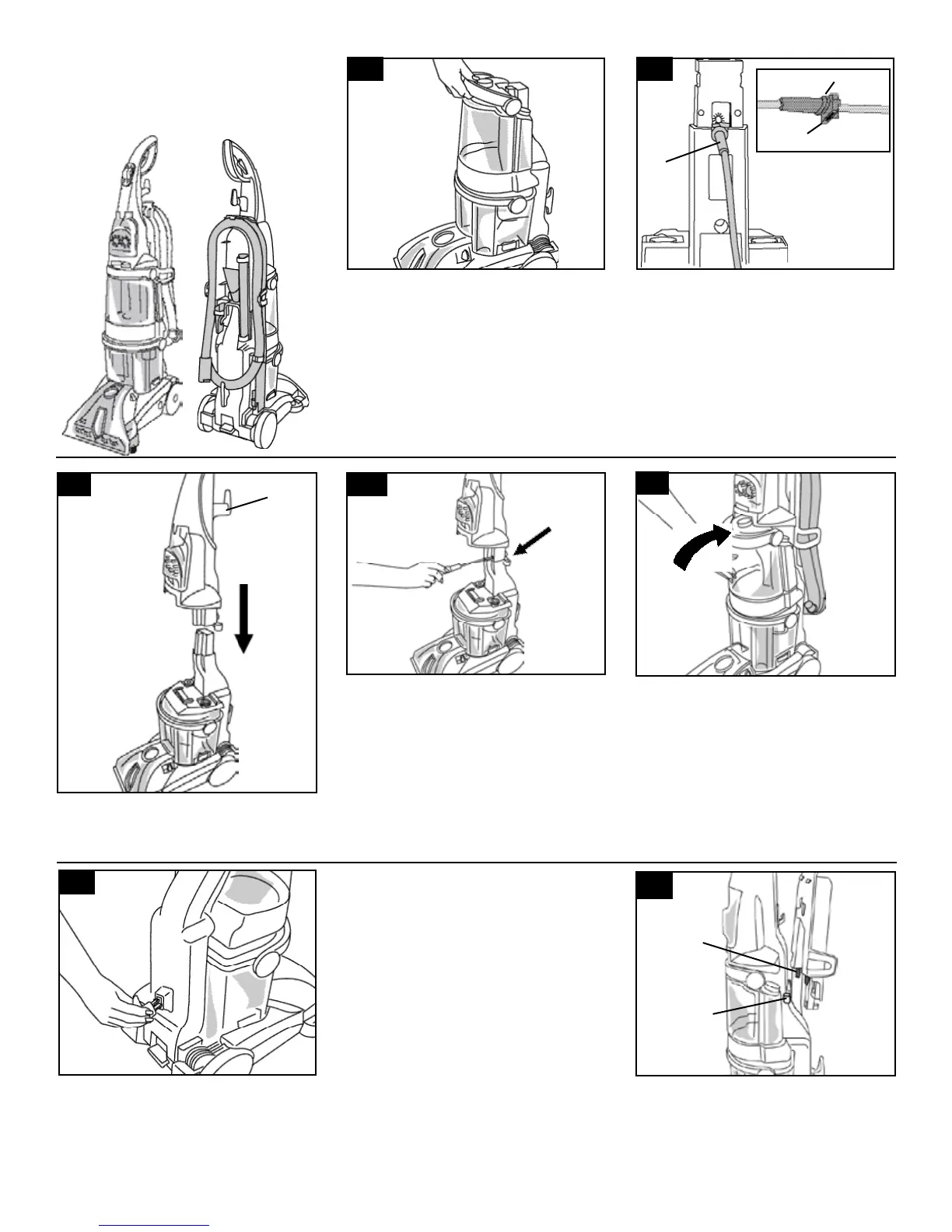
Attach hose/cord
hook
Insert tabs on hook into slots on back of
cleaner. Snap hook onto cleaner.
Slide tabs (E) on caddy into slots (F) on back
of cleaner.
4
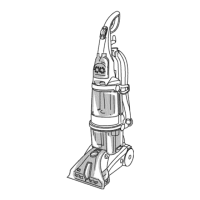
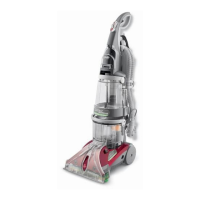
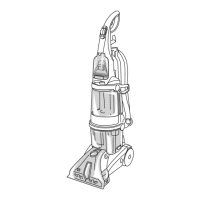
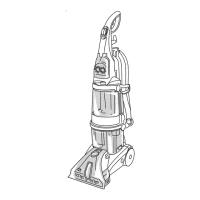
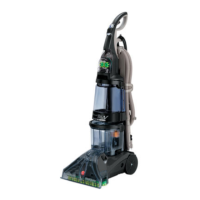
The assembled cleaner will look like this
drawing. Model with SpinScrub™ hand tool is
shown.
1-2
Attach upper handle
Remove clean water tank (upper tank) from
carpet cleaner.
With cord hook (D) to back of carpet
cleaner, push upper handle down onto lower
handle.
1-4
1-7
Push bolts into holes on front of handle. If
bolts will not go through hole easily,
handle is not pushed completely down.
Place nuts in recessed areas on back of
the handle. Hold each nut in place while
tightening each bolt securely (from the front
of the handle) with a Phillips screw driver.
Only two nuts are needed on this model. The
extra nut is not required but has been provid-
ed for your convenience.
1-5
1-6
Replace clean water tank (upper tank) by
positioning bottom first. Press tank into
place.
E
F
Attach hose/tool caddy
The hose/tool caddy is designed to be used
either on the cleaner for easy access to the
tools and hose, or if the tools are not going
to be used, it can be removed and hung for
storage.
If you do not want to attach the caddy to the
cleaner at this time, proceed to Fig. 1-10 for
proper hose placement on the caddy.
D
1-8
1-3
A
B
C
NOTE: If the cord protector (A) on back of
handle should become dislodged during
unpacking, make sure it is reposi-
tioned properly before continuing
with assembly of your carpet cleaner.
With the arrow (B) on the cord protector
pointing down, press groove (C) in the cord
protector into slot in the lower
handle.




 To Next Page