19
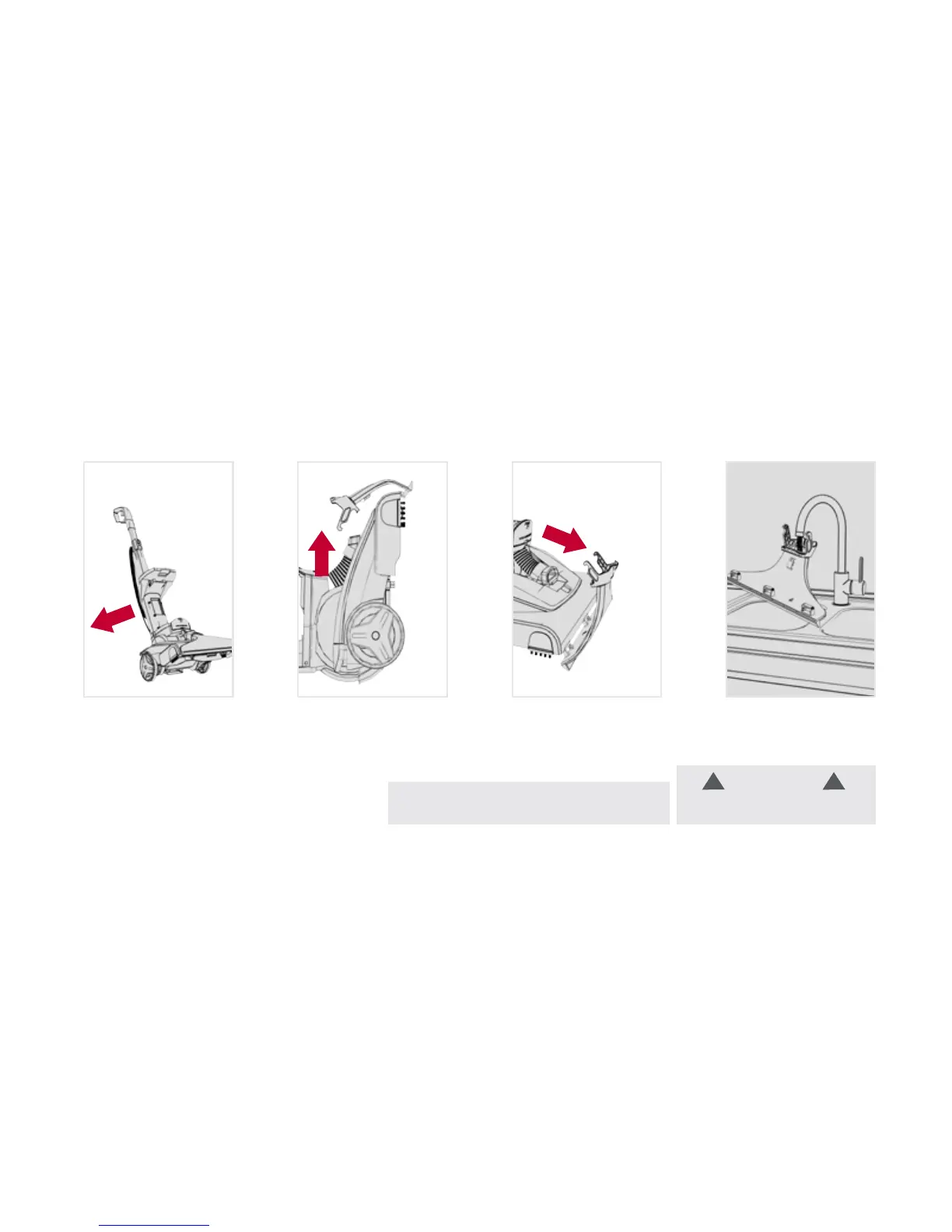
Cleaning the Nozzle:
31 2
Pull nozzle forward
to remove.
To prevent leaking, remove
Solution Tank and Dirty Water
Tank. With handle in upright
position, tilt carpet
washer back.
Pull up on nozzle latch to
unsnap nozzle from the
base of the
carpet washer.
NOTE: If lint or other debris becomes lodged
in nozzle, it can be removed for cleaning.
CAUTION
To reduce risk of injury from moving
parts – Unplug before servicing.
!!
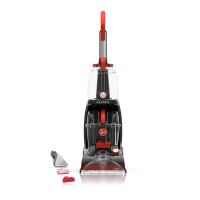
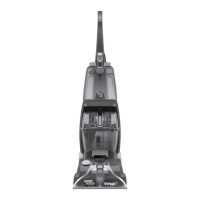
Keeping your Power Path
™
Pro running properly:
4
Rinse debris from
the nozzle.





 To Next Page