Using your Quest
TM
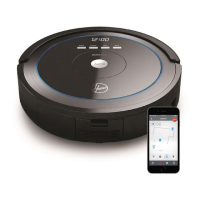
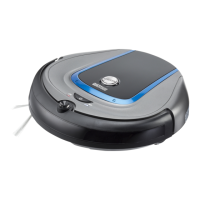
700/800 Robotic Vaccum
Quest
™
automatically adapts to room type and obstacles to achieve optimal cleaning efficiency.
Ambient Operating temperature range: 32°F to 104°F (0°C to 40°C)
Simply press the power button on the Robot and let your Quest
™
get the cleaning done. Press & hold the power button to turn off at
any time.
As it cleans, it switches between the 4 cleaning modes shown to
achieve the best results.
11
RANDOMSQUARE
WAVE
SPOT
CLEAN
ALONG
THE WALL
WARNING
Danger of injury! You can let your robot run
unsupervised, however always be careful
not to step on it, this could cause you to fall.
CAUTION
Although your robot recognises drop-offs,
we strongly advise against using it on
furniture. It is not suitable for this type of use.
!
!
!
!


 To Next Page
 Loading...