40
Chapter 9 System Parameter Setting
9.1 System parameter description
Press the "Set" key in the test parameter setting interface to enter the system
parameter setting interface, as shown below:
Figure 9.1 System parameter setting interface
9.2 System Parameter Setting
1. Communication port selection
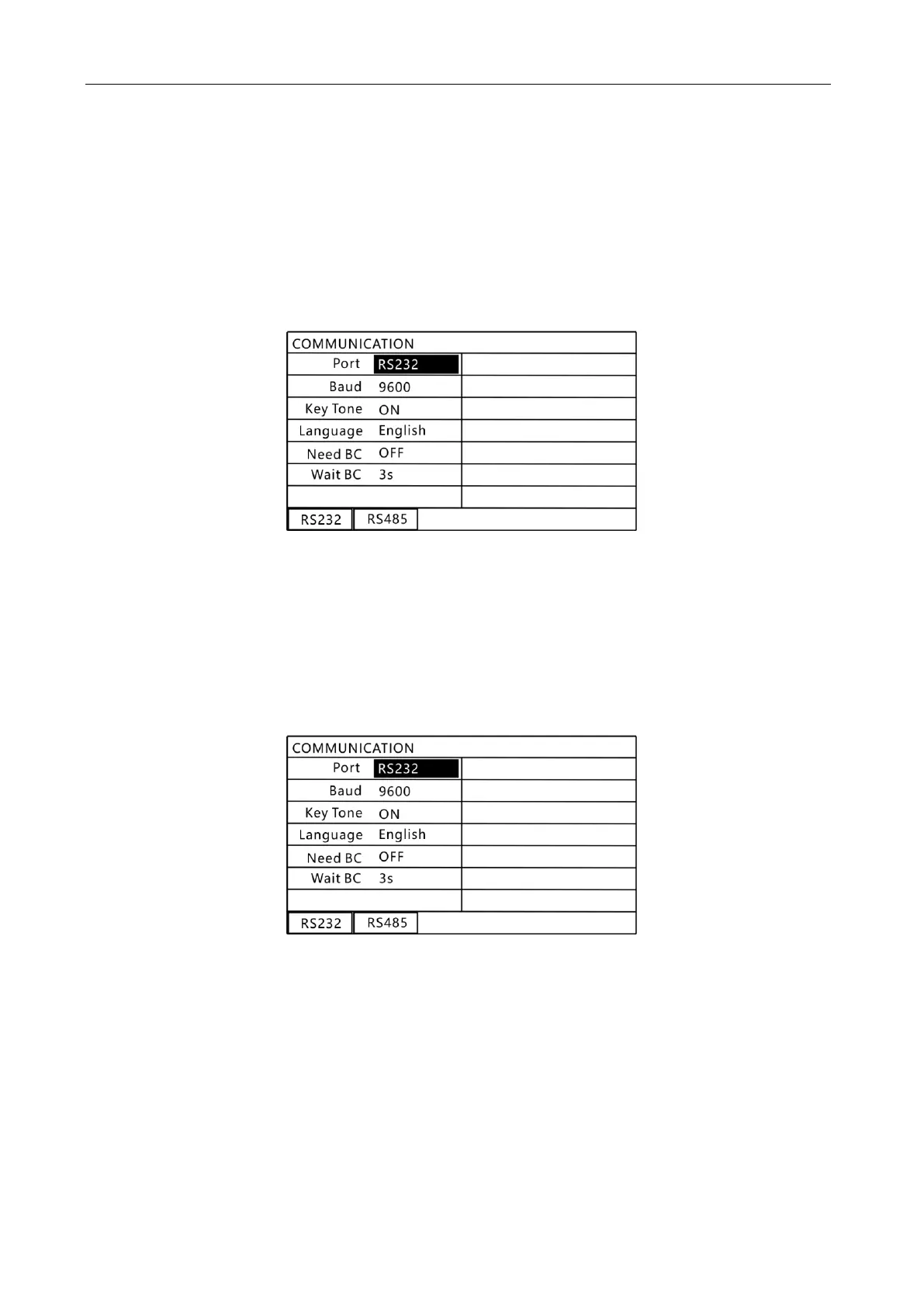
Press the "▲" or "▼" key to select the content to be set, as shown below.
9.2 "Communication Mode" Setting Interface
In this interface, use the function keys to select the required communication port.
Communication mode setting options:
RS232: Open RS232 communication port
RS485: Open RS485 communication port
2. Instrument communication baud rate setting
Press the "▲" or "▼" key to select the content to be set, as shown below.



 To Next Page