41
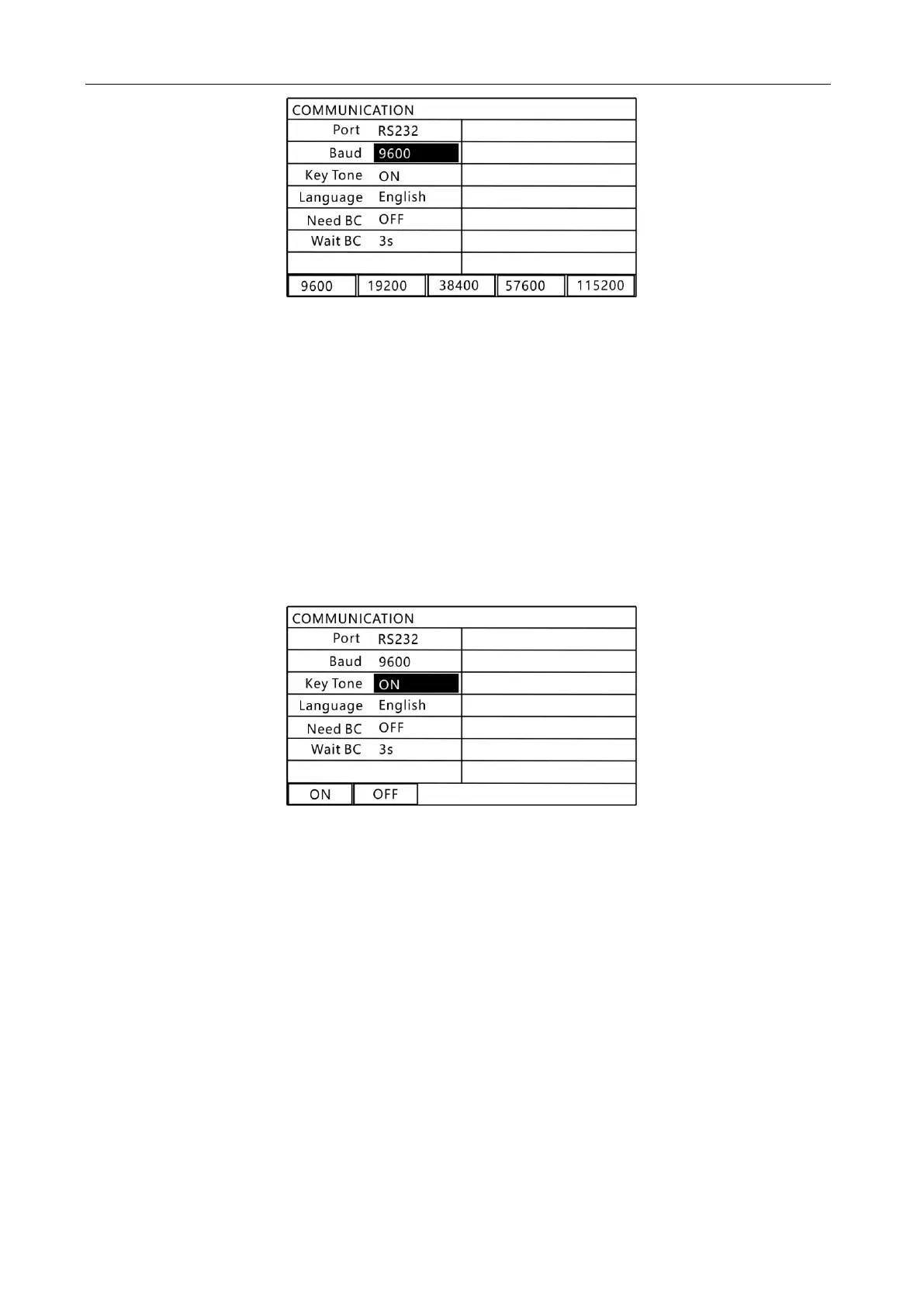
9.3 "Baud rate" setting interface
In this interface, use the function keys to select the required communication rate.
Baud rate setting options:
9600: communication baud rate is 9600;
19200: communication baud rate is 19200;
38400: communication baud rate is 38400;
57600: the communication baud rate is 57600;
115200: communication baud rate is 115200;
3.Key sound setting
Press the "▲" or "▼" key to select the content to be set, as shown below.
9.4 "Key Tone" Setting Interface
In this interface, use the function keys to select the required option.
Key Tone setting options:
OFF: turn off the button sound;
NO: turn on the button sound;
4. Language setting
Press the "▲" or "▼" key to select the content to be set, as shown below.



 To Next Page