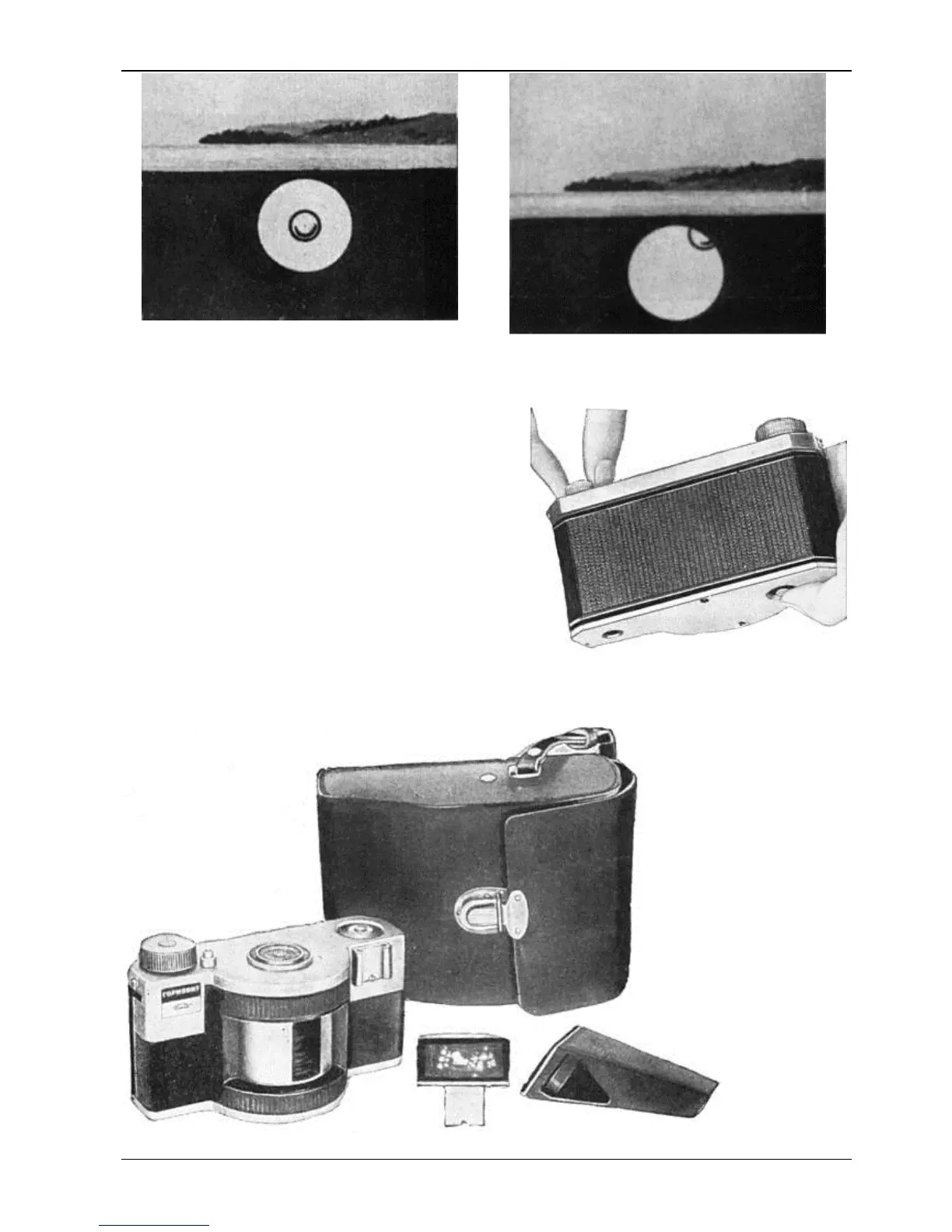
5. Unloading the Camera
When the exposure counter shows number 21, the exposed film should be rewound into the cassette.
To do this, act as follows:
1. Remove the viewfinder.
2. Press the film rewind knob and turn it against the
direction, shown by the arrow.
3. Disengage the shutter setting mechanism. For this
aim press the film rewind button to fix it in its extreme
lower position. When doing this, the shutter should be
released.
Rotating the film rewind knob in the arrow
direction, rewind the film into the cassette. All the film
being rewound into the cassette, the knob becomes
easier to rotate.
4. Open the back cover of the camera.
5. Pull the rewind knob upwards to the stop and remove the cassette.
6. “Horizont” Outfit


 To Next Page