Target Temperature Override
Where an override temperature has been set, this altered setting will remain until the next
time and temperature setting is reached.
Target Temperature Lock
The temperature lock facility allows you to ‘lock in’ the target or override
temperature of the current heating period.
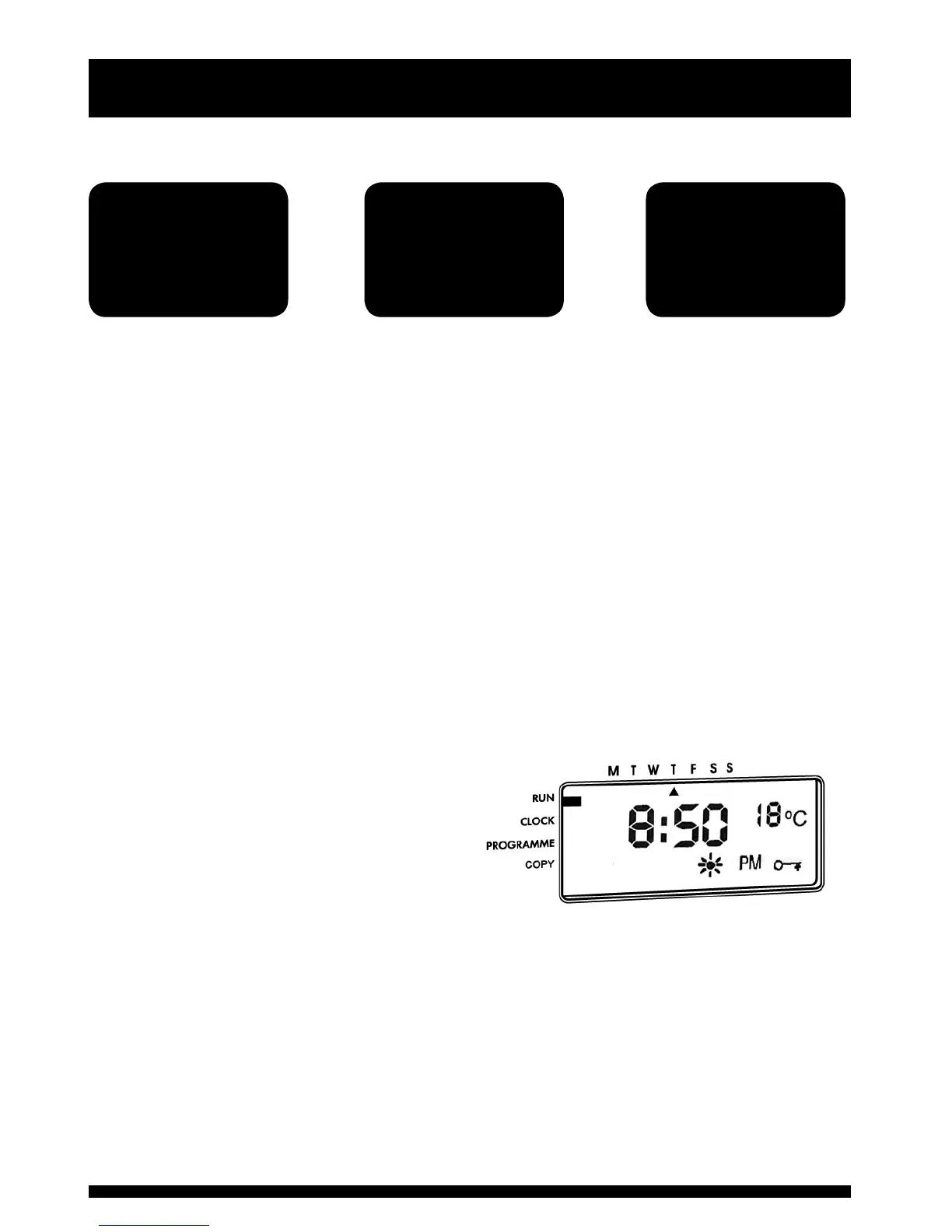
With the SET indicator in the RUN position press the ENTER button. The temperature
lock symbol will appear on the right hand side of the display. All control buttons
other than the ENTER button will be inoperative.
The locked temperature will now override all other temperature settings until the
lock is cancelled.
To cancel the temperature lock, and return to normal settings, simply press the
ENTER button.
If an override temperature had been
set before the lock was activated, the
altered setting will remain until the next
switching period is reached.
3
Manual Overrides
Ensure the SET
indicator is in the
normal RUN position
Use the PLUS and
MINUS buttons
to increase or
decrease settings
The CentaurStat
will operate on
this new setting
until the next time
period



 To Next Page