Default Time Settings
Default Times
1st ON 1st OFF 2nd ON 2nd OFF 3rd ON 3rd OFF
2:15am 7:15am 12:00pm 12:00am 12:00am 12:00pm
After re-setting the unit the off-peak heating times will revert back to the default
factory settings, these are shown above, however if you wish to change these times
please proceed as instructed in the SETTING OFF-PEAK HEATINGS PERIODS
part of this manual on page 5.
Completing The Installation
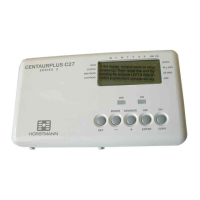
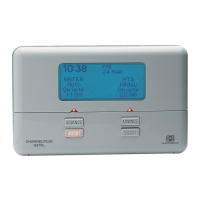
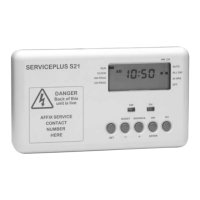
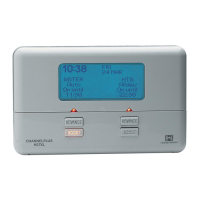
To assemble the controller to its mounting box, first push the connectors numbered
1-5 into the corresponding numbered terminal as shown in Fig.1
Carefully offer the controller to the box and secure with the fixing screws, ensuring
the wiring does not become damaged.
Switch on the mains supply and put the rocker switch in the TIMED position.
Questions
(Q) There is no display on the screen?
(A) Ensure there is mains supply getting to the unit and that the battery switch on the
rear of the unit is in either the GMT / BST or GMT ONLY position.
(Q) The display has become frozen?
(A) This could be due to local electrical interference. Using the RESET procedure in
this manual may rectify the fault.
(Q) How do I change the back-up battery?
(A) The back-up battery is integral to the unit and will save the settings for at least
two years if the power is disconnected. The battery is NOT replaceable and any
attempt to remove it will invalidate the warranty.
6


 To Next Page