DESIGN INSPIRAT I O N
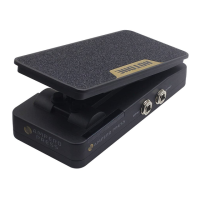
Expression Pedal Range and Calibration
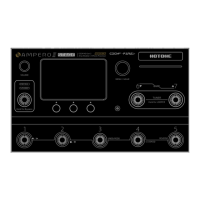
In main display, press the GLOBAL button four times/five times to set the minimum/maximum value ranging from 000 to 100:
4 times (min value) 5 times (max value)
Note: 1. The minimum value cannot be set higher than the maximum value.
2. This is a global setting (it won’t change your patches) and changes will be automatically saved.


 To Next Page