DESIG N IN SP IRATION
How To Use Tap Tempo Subdivision
Hold the PATCH/TAP footswitch to engage Tap Tempo mode when the effect is on. In Tap Tempo mode, turn the
RATE knob to set a proper tap tempo subdivision shown as below:
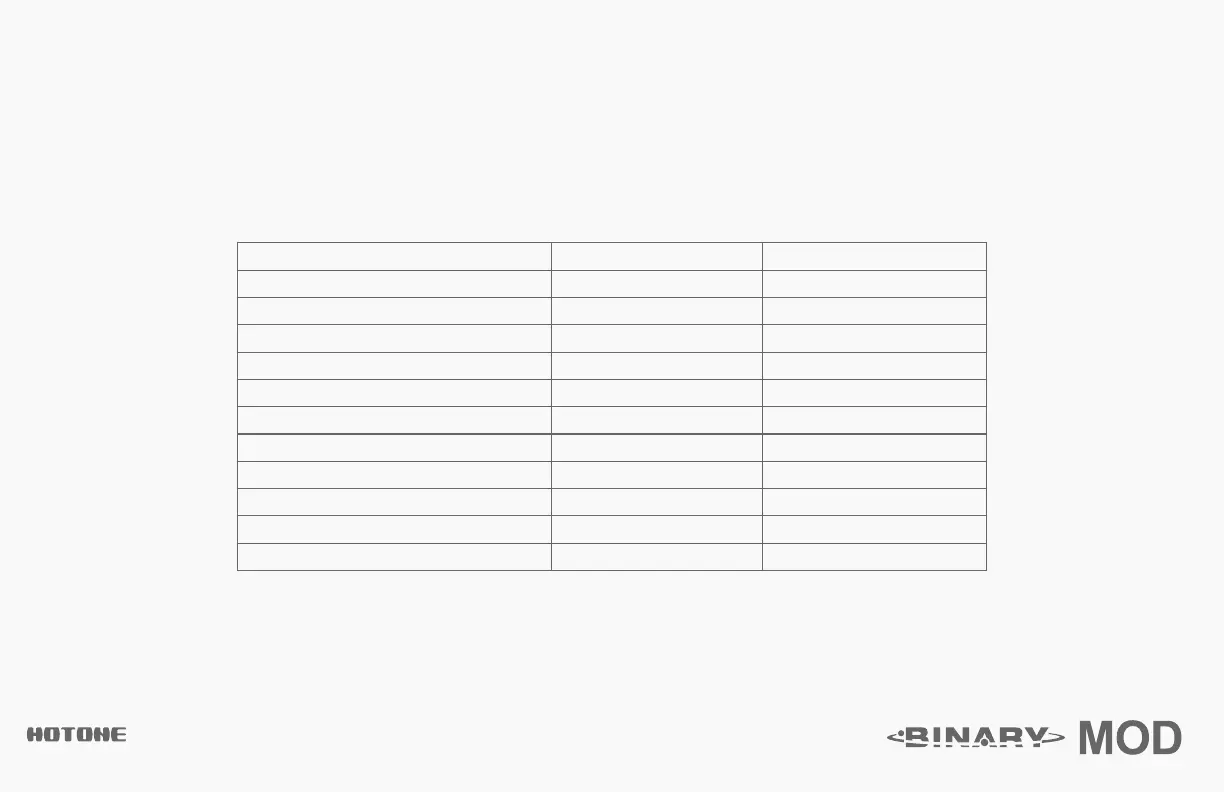
SUBDIVISION
Whole Note
Half Note
Dotted Half Note
Half Note Triplet
Quarter Note (no division)
Dotted Quarter Note
Quarter Note Triplet
8th Note
Dotted 8th Note
8th Note Triplet
16th Note
DIVIDE RATIO
4
2
3
4/3
1/1
3/2
2/3
1/2
3/4
1/3
1/4
DISPLAY
1
1/2
1/2D
1/2T
1/4
1/4D
1/4T
1/8
1/8D
1/8T
1/16
Note: The default division is Quarter Note (1/4, no division). Disengaging Tap Tempo function will reset the
subdivision to default.



 To Next Page