6
GB
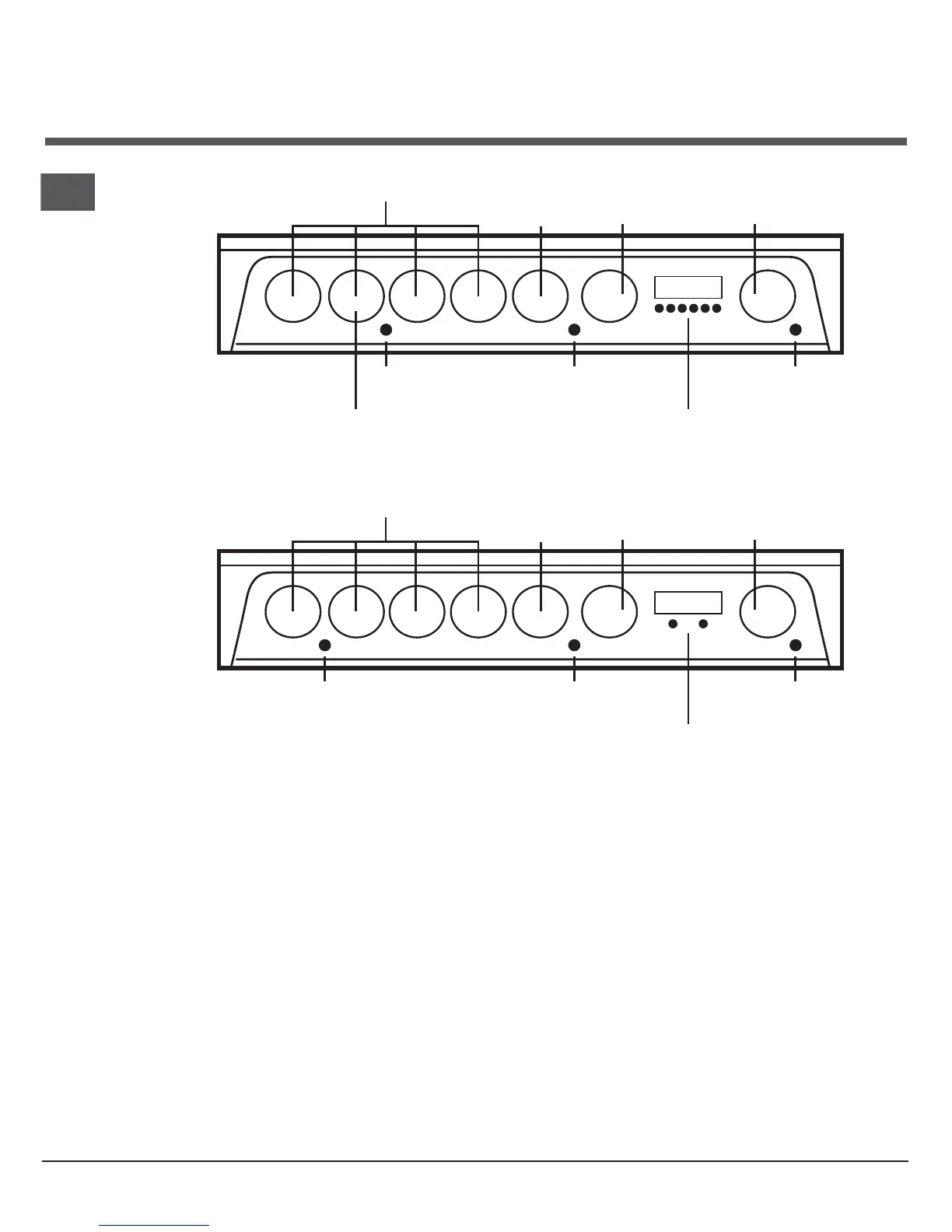
The controls
Operating controls when the grill is in use
In common with all cookers having controls sited
above the grill compartment, care must be taken
when setting the controls, due to the hot air expelled
from the grill compartment.
Note: After use, it is advisable to check that all
cooker controls have been switched Off.
Cooling fan
A gentle flow of air will be blown below the control
panel when the grill control is in use. When the oven/
s are in use the cooling fan will operate after a short
period of time and may run on after all controls are
switched off.
Main Oven light
The main oven light will illuminate when the
thermostat is operated.
The light will remain on during the cook period.
Slow cooking 'S'
The main oven has an 'S' setting specially designed
to reduce energy usage. Full details of this can be
found in the Slow Cooking section.
Element and Fan cut off
The oven is fitted with a safety device which
disconnects the heating element and oven fan when
the door is opened. The heating element and oven
fan will not operate until the oven door is closed.
Hob Hot Neon
A short time (approx. 30 seconds) after the hob
heating areas have been turned on, the Hob Hot
neon will illuminate.
This light will remain illuminated until all the hob
controls have been turned off and all hob heating
areas have cooled.
Hotplate Controls Grill
Control
Dual Plate Control




 To Next Page