GB
14
Operation when using the Top
Oven as a Convection Oven
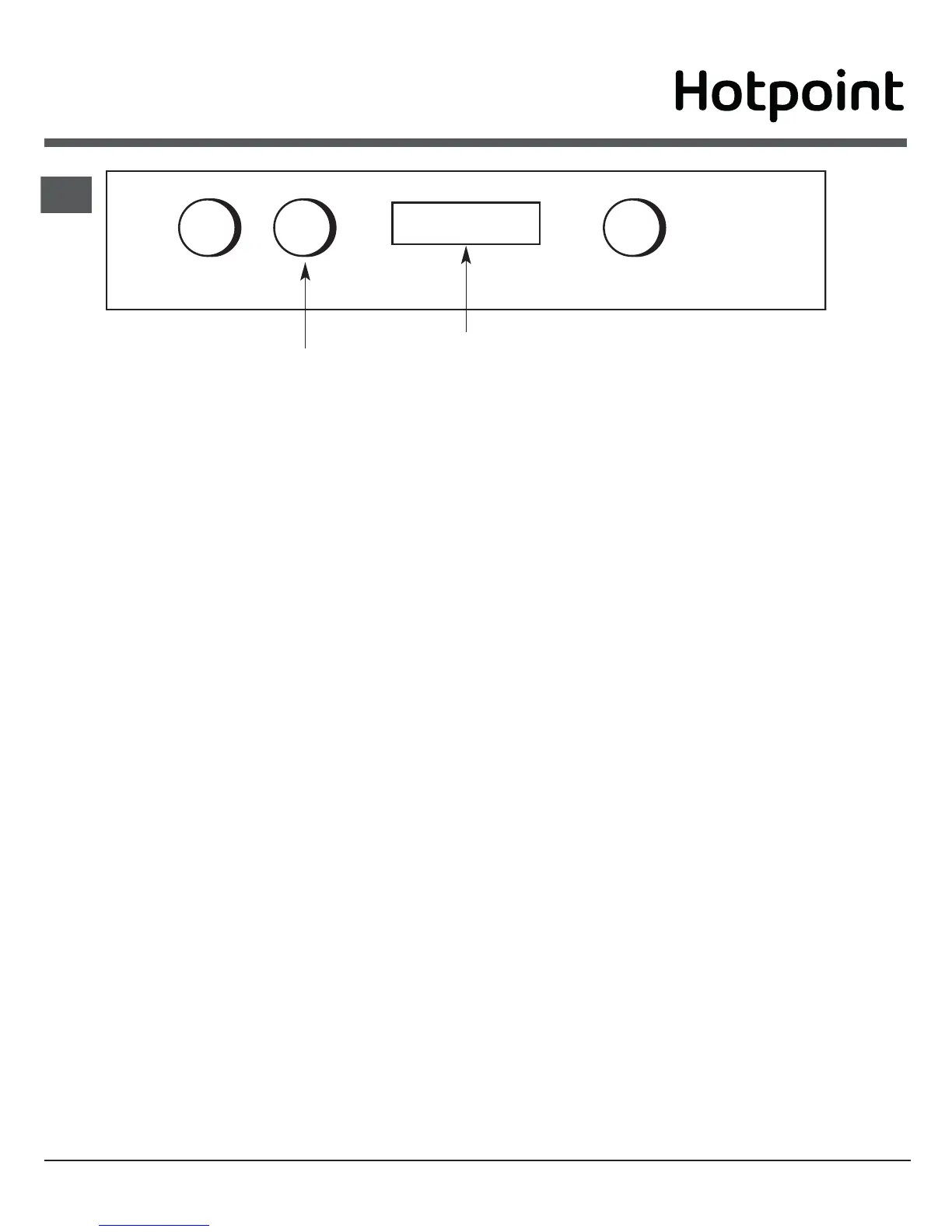
Step 1 Check that the timer is in manual.
Step 2 Place the shelf in the correct position (see
Oven Temperature Charts).
Step 3 Select the required cooking temperature
(100-220°C or MAX depending on Model)
using control (B) (see Top Oven Tempera-
ture Charts). The pilot light (• ) will
immediately come on, and remain on until
the oven reaches the required temperatu-
re. The light will then automatically go off
and on during cooking as the oven
thermostat maintains the correct tempera-
ture.
Step 4 Place the food on the shelf directly below
the element ensuring the oven door is
closed.
NOTE: At the end of your cooking, always return
control (B) to the OFF (O) position.
A B C
Top Oven Temperature Control
Timer
PLATE WARMING
Place the plates/dishes on shelf position 1 from the
base of the top oven, and turn top oven temperature
control (B) to 100°C for 10-15 minutes.
Never use the grill setting control (A) when
warming plates.
TOP OVEN UTENSILS
Do Not use: Meat Pans and Baking Trays larger than
- 225mm x 300mm (9"x12")
DO NOT use the grill pan or main oven meat pan
as a meat pan in the top oven, as the air
circulation will be seriously restricted.



 To Next Page