Usingthe clock and timer, somemode s
GEAppliances.com
Not all features are on all models.
To Reset the Timer
Ifthe display is still showing the time
remaining, you may change it bytouching
the KITCHENTIMERON/OFFor TIMER
ON/OFFpad, then touch the + or - pads until
the time you want appears in the display.
If the remaining time is not inthe display
(clock,delay start or cooking time are
in the display),recallthe remaining time by
touching the KITCHENTIMERON/OFFor
TIMERON/OFF pad and then touching the
+ or - pads to enter the new time you want.
To Cancel the Timer
Touch the Kitchen Timer On/Off or TIMER
ON/OFFpad twice.
or
or
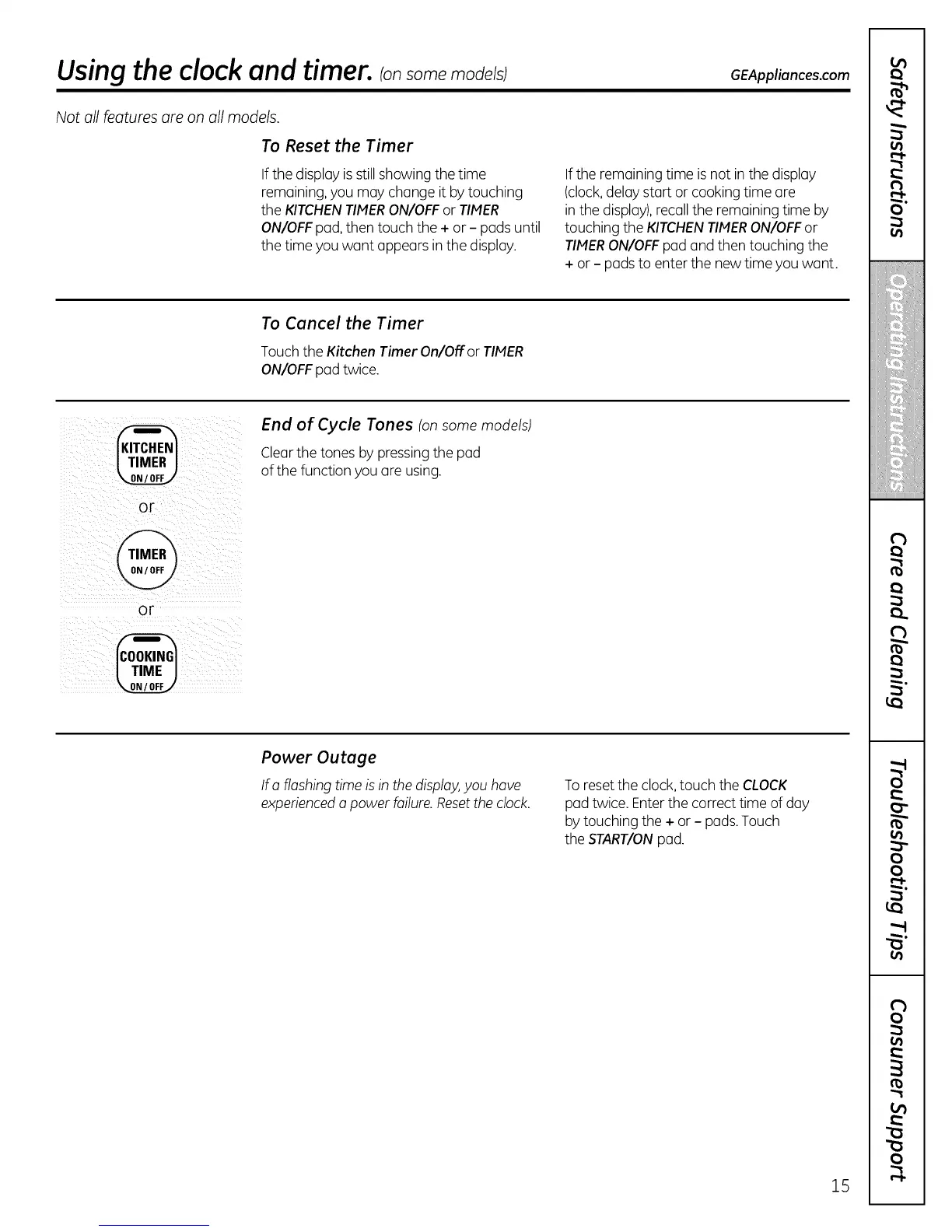
End of Cycle Tones (onsome models)
Clearthe tones by pressing the pad
ofthe function you are using.
Power Outage
Ira flashing time is in the disploy,you hove
experiencedo power failure.Resetthe clock.
To resetthe clock,touch the CLOCK
pad twice. Enterthe correct time of day
bytouching the + or - pads.Touch
the START/ONpad.
15
O"
!iiiiiiii_:iiii!!ii
,,:i}iiiiil;!!!!iii
i
rb
oo
?
0



 To Next Page