iii!i_iiiiii,_,i'_iiiiiii
iiiiiiiiiiiiiiiiiiiiiiiii
:iiiiiiliiiiiii_iiJiiii_iiii
i/iiitiiii_iiiiiii_iii_
i
"0
0
0
w
0
Q.
O.
0
_J
Using the timed baking and roasting features. Ion mod / l
Do not lock the oven door with the latch during timed cooking. The latch is used for self-cleaning only.
NOTE: Foods that spoil easily-such as milk, eggs, fish, stuffings, poultry and pork-should not be allowed to sit for
more than 1 hour before or after cooking. Room temperature promotes the growth of harmful bacteria. Be sure that
the oven light is off because heat from the bulb will speed harmful bacteria growth.
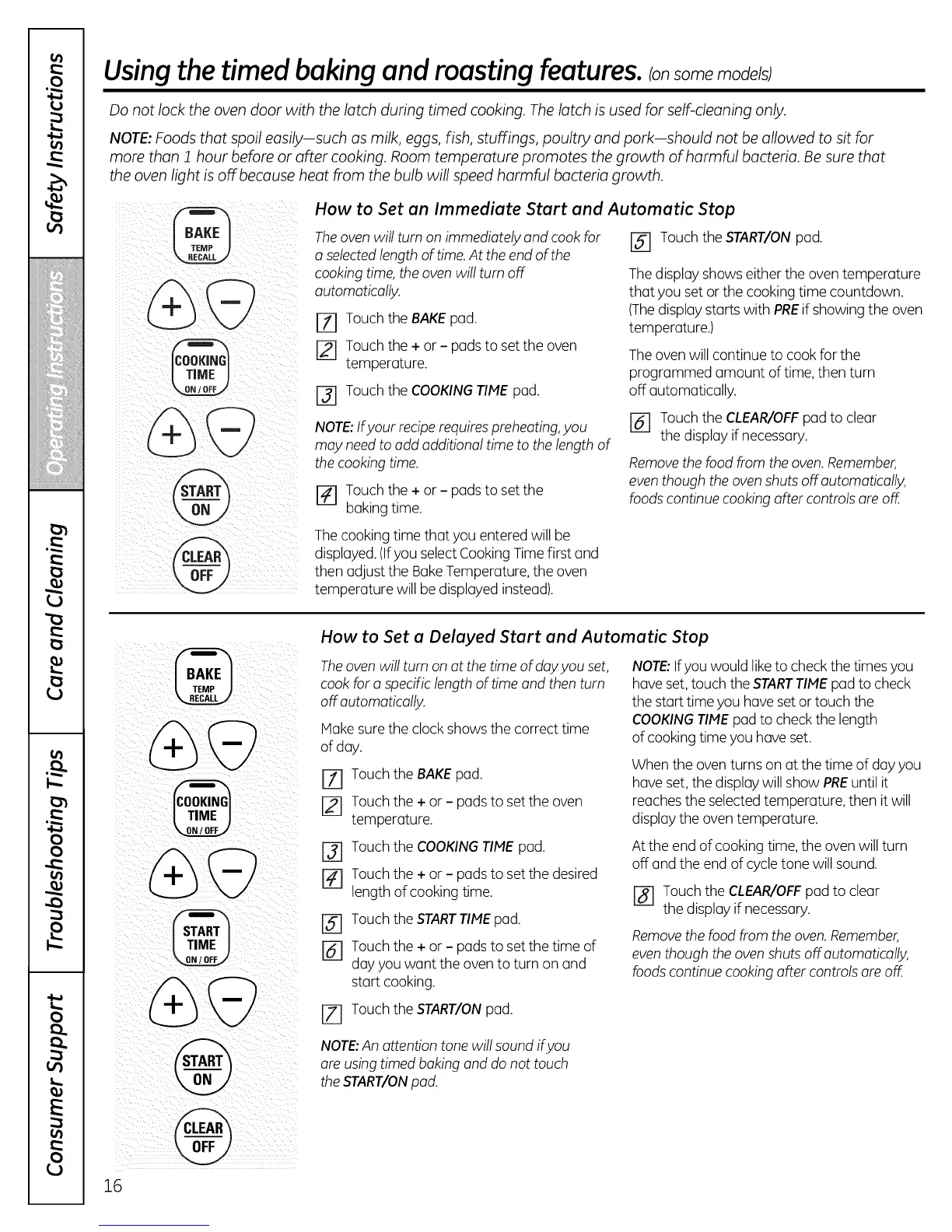
How to Set an Immediate Start and Automatic Stop
Theoven will turn on immediately and cook for [_ Touch the START/ONpad.
a selectedlengthof time.At the end of the
cooking time,the oven will turn off Thedisplay shows either the oven temperature
automatically, that you set or the cooking time countdown.
[Z] Touch the BAKEpad.
Touch the + or - pads to set the oven
temperature.
F3] Touch the COOKINGTIMEpad.
NOTE: If your recipe requires preheating, you
may need to add additional time to the length of
the cooking time.
F_ Touch the + or - pads to set the
baking time.
(Thedisplay starts with PREif showing the oven
temperature.)
Theovenwill continue to cook for the
programmed amount of time, then turn
off automatically.
F_ Touchthe CLEAR/OFFpad to clear
the display ifnecessary.
Removethe food from theoven.Remember,
eventhough the ovenshuts off automatically,
foods continue cooking after controlsare oE
Thecooking time that you entered will be
displayed.(Ifyou selectCooking Timefirst and
then adjust the BakeTemperature, the oven
temperature will be displayed instead).
16
[ TIME
%
How to Set a Delayed Start and Automatic Stop
Theoven will turn on at thetime of dayyou set,
cook for a specific length oftime and then turn
off automatically.
Hake sure the clock shows the correct time
of day.
Touch the BAKEpad.
Touch the + or - pads to set the oven
temperature.
F3] Touch the COOKINGTIME pad.
_-] Touch the + or - pads to set the desired
length of cooking time.
F_ Touch the STARTTIMEpad.
F_ Touch the + or - pads to set the time of
dayyou want the oven to turn on and
start cooking.
F_ Touch the START/ONpad.
NOTE:Ifyou would liketo check the timesyou
haveset, touch the STARTTIMEpad to check
the start time you haveset or touch the
COOKINGTIMEpad to checkthe length
of cooking time you haveset.
When the oven turns on at the time of day you
have set,the display will show PREuntil it
reaches the selectedtemperature, then it will
display the oven temperature.
Atthe end of cooking time,the oven will turn
off and the end of cycletone will sound.
F_ Touchthe CLEAR/OFFpad to clear
the display if necessary.
Removethe foodfrom the oven.Remember,
eventhough the ovenshuts off automatically,
foods continue cooking after controlsare off.
NOTE:An attention tone will sound ifyou
are usingtimed baking and do not touch
theSTART/ONpad.



 To Next Page