Usingthe surface units.
Throughout this manual, features and appearance may vary from your model.
ii_i l I _i ii
i_ _i i i?_i_i i _ _i_i_{i
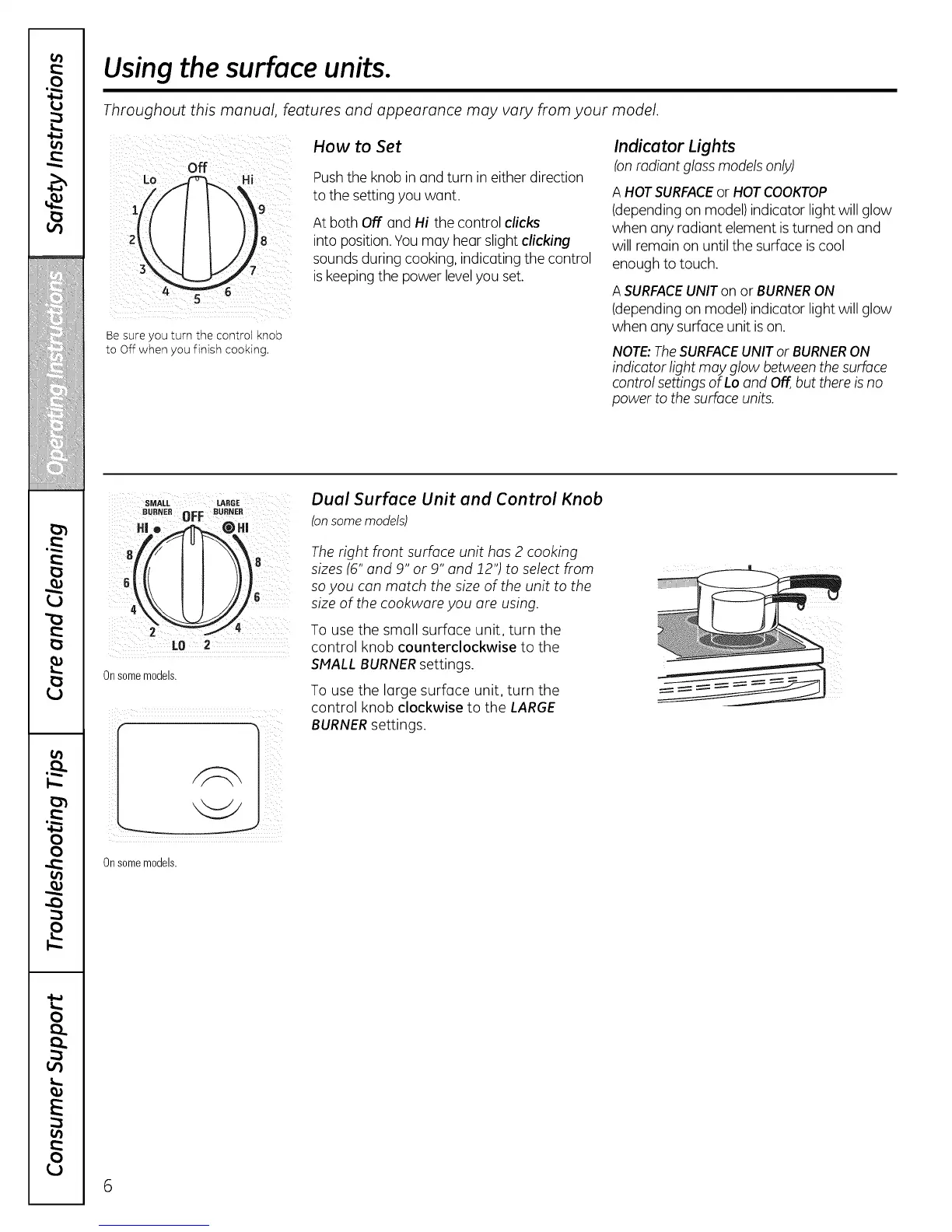
Be sure you turn the control knob
to Off when you finish cooking.
How to Set
Pushthe knob in and turn in either direction
to the settingyou want.
At both Off and Hi the control clicks
into position.You may hear slight clicking
sounds during cooking, indicating the control
iskeepingthe power levelyou set.
Indicator Lights
Ionradiant gloss models only)
A HOTSURFACEor HOTCOOKTOP
(depending on model)indicator light will glow
when any radiant element isturned on and
will remain on until the surface iscool
enough to touch.
A SURFACEUNITon or BURNERON
(depending on model)indicator light will glow
when any surface unit ison.
NOTE:TheSURFACEUNITor BURNERON
indicator light may glow between the surface
control settings of Lo and Off,but thereis no
power to thesurface units.
SMALL LARGE
BURNEROFF BUBNER
HBo _ @H!
LO 2
Onsome moaels.
Onsomemodels.
Dual Surface Unit and Control Knob
(onsomemodels)
Theright front surface unit has 2 cooking
sizes {6" and 9" or 9" and 12") to select from
soyou can match the size of the unit to the
size of the cookware you are using.
To use the small surface unit, turn the
control knob counterclockwise to the
SMALL BURNERsettings.
To use the large surface unit, turn the
control knob clockwise to the LARGE
BURNERsettings.
6



 To Next Page