Menu #
Feature Explanation
Adjustment
(Press up & down buttons to adjust)
01 Mode/Sensor Selection
This thermostat is a combination model which allows you
to choose 3 different modes.
A mode = Air Sensing Only(Has built in sensor)
AF mode = Air & Floor sensing (Floor probe must be installed)
F mode = Floor Sensing(Floor probe must be installed)
A / AF / F
02 Switching differential
The number of degrees difference before switching.
The default is 1°C which means the thermostat will switch
the heating on 0.5°C below the set temperature and will turn
it off 0.5°C above the set temperature.With a 2°C differential
the heating will switch on 1°C below the set temperature
and will switch off 1°C above the set temperature.
1 Deg C, 2 Deg C....10 Deg C ( 1 Deg C by default)
03 Air Temp Calibration This is to recalibrate the air temp if required -1 Deg C = decrease 1 °C , 1 Deg C = increase 1 Deg C
04 Floor Temp Calibration This is to recalibrate the floor temperature if required -1 Deg C = decrease 1 °C , 1 Deg C = increase 1 Deg C
05
Temperature Readout
(AF mode only)
This gives you the option to show the Air Temp,
Floor Temp or to show both Air & Floor at intervals
A = Show Air Temperature
F = Show Floor Temperature
A-F = Show Floor and Air Temperature in 5 sec intervals
06
Maximum Floor Temp
( AF Mode only)
This is to protect the floor surface 20 Deg C - 40 Deg C (40 Deg C by default)
07 Temperature Format
This allows the temperature to be set to show
Deg Celsius or Deg Fahrenheit
Deg C / Deg F
08 Clock Format
You can select the clock to show in either 12
or 24 hour time
24 (default), 12- hour or 24-hour clock format
09 Frost Protection This is to avoid your room temp going below 5 DegC On = activated, Off = deactivated
10 5+2 / 7 Day mode
This allows you to programme either 5 days at once,
then the 2 days of the weekend separately,
or a full 7 days at the same time or 7 days separately.
01 = 5 + 2 Day Programming
02 = 7 Day Programming
Hotwire
Thermostat
Technical Information
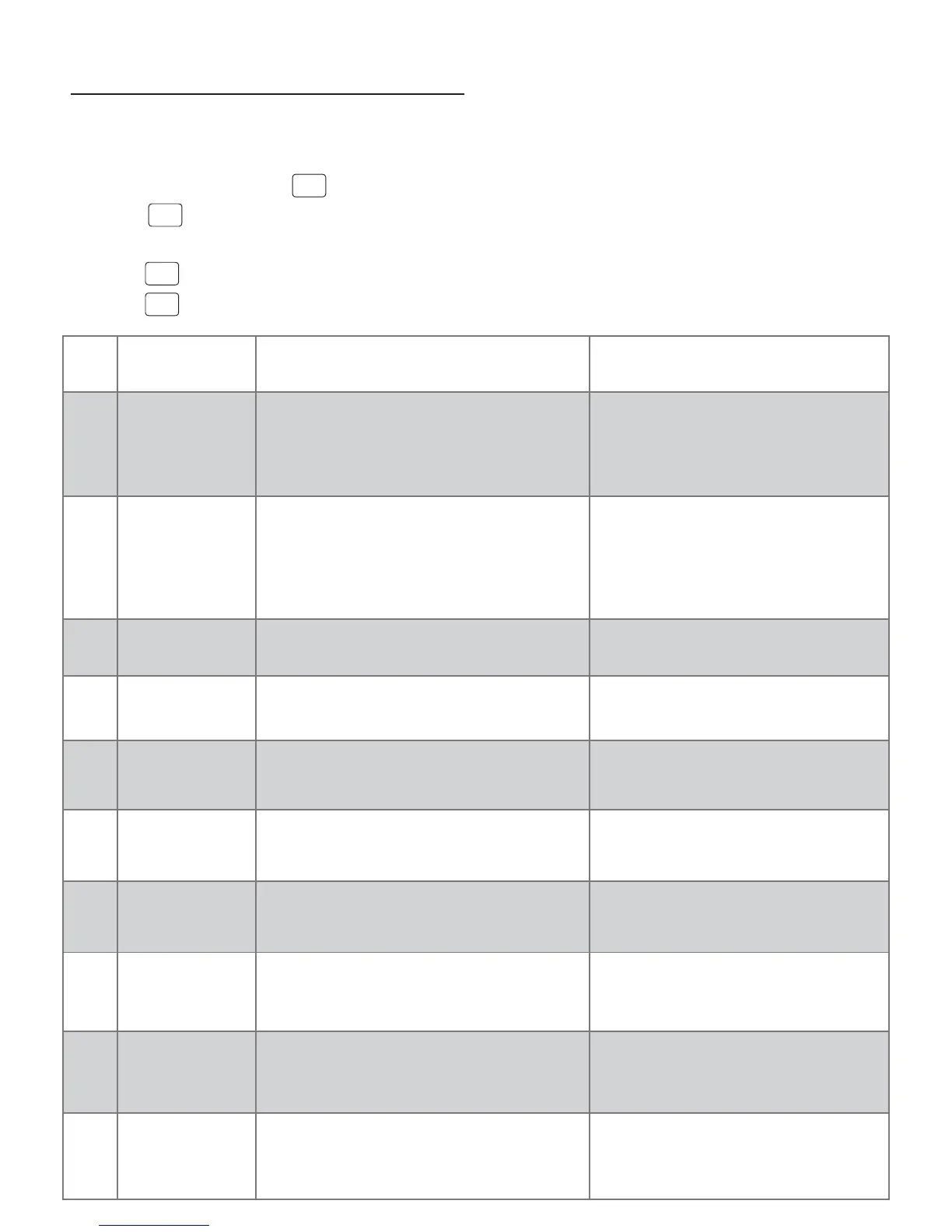
To enter into the setting menu please follow the steps below:
Step 1. Turn the thermostat off by pressing
POWER
Step 2. Press
MENU
you will then see menu 01.
Step 3. Use the up and down arrows to adjust the sensor selecti on which is Menu 01(Air sensing;Air and Floor, or Floor only)
Step 4. Press
NEXT
to move to the next Menu and once you have all the menu options set,
Setp 5. Press
DONE
to accept and store.
Configuration Menu


 To Previous Page
 Loading...