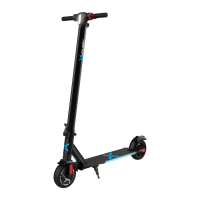
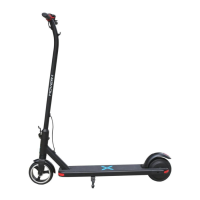
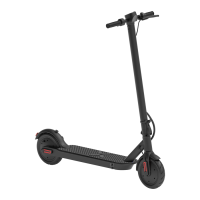
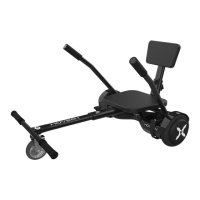
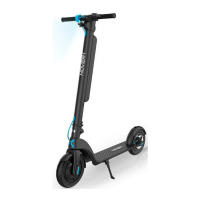
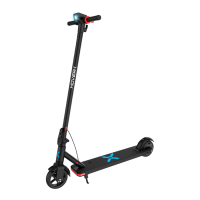
HOVER-I DYNAMO DIAGRAM
LCD DISPLAY
.t.$,..ii:
POWER
BUTTON
ELECTRIC BRAKE THROTTLE
FOLDING
CLIP
LCD DISPLAY
C -gr-:r-l
Battery Life Indicator
Displays your current battery life.
Speed Indicator
Displays your current speed in Mph.
Speed Level Button (+)
1 - Low, 2 Medium, 3 High
Press to increase top speed and acceleration.
Power / Function Button
Power ON Scooter - Press and hold for 2 second
Power OFF Scooter - Press and hold for 2 second
Cycle through total mileage, current trip distance
voltage and current trip time
Speed Level Button (-)
1 - Low, 2 Medium, 3 High
Press to decrease top speed and acceleration.
Information Panel
Displays total mileage, current trip distance,
voltage and current trip time.
Speed Level Indicator
Displays your current speed level.
16


 To Next Page