• Ensure that the charging port is clean and dry.
• Make sure that there is no dust, debris, or dirt inside the port.
• Plug the charger into a grounded wall outlet.
• Connect the charging cable to the power supply (100V-240V; 50
Hz/60 Hz).
• Align and connect the 1-pin charging cable into the charging
port of the E-Track (DO NOT FORCE OR BEND THE CHARGING
CABLE AS IT MAY CAUSE THE PRONGS TO BEND OR BREAK).
• The charging indicator light on the charger itself should change to
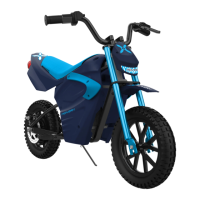
red, indicating that your dirt bike is now being charged.
• When the red indicator light on your charger changes to green,
your dirt bike is fully charged.
• After fully charging your dirt bike, unplug the charger from your
device and from the wall outlet. A full charge may take up to 4
hours. Do not charge the E-Track longer than 4 hours, even if the
light does not change to green.
• If the dirt bike is not used for an extended period of time, you may
need to recharge the battery every 2 months to maintain the battery
life.
CHARGING YOUR E-TRACK
16


 To Next Page