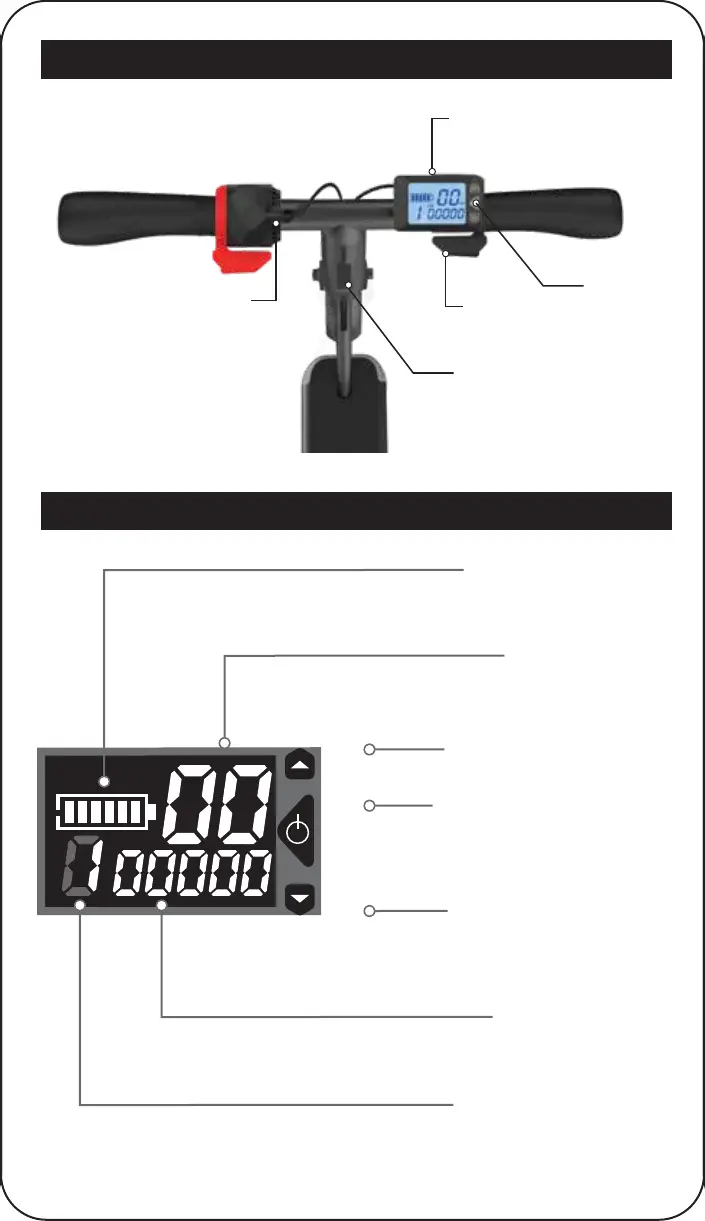
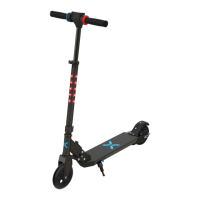
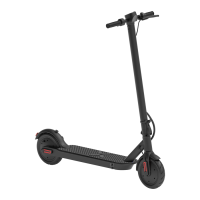
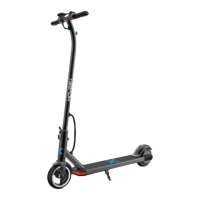
HOVER-1 ESCAPE DIAGRAM
LCD DISPLAY
16
POWER
BUTTON
LCD DISPLAY
THROTTLE
ELECTRIC BRAKE
FOLDING
CLIP
Displays your current battery life.
Displays your current speed in Mph.
1 – Low, 2 – Medium, 3 – High
Press to increase top speed and acceleration.
1 – Low, 2 – Medium, 3 – High
Press to decrease top speed and acceleration.
Displays total mileage, current trip distance,
voltage and current trip time.
Displays your current speed level.
Speed Level Button (+)
Power / Function Button
Battery Life Indicator
Speed Indicator
Speed Level Indicator
Information Panel
Speed Level Button (-)
Power ON Scooter - Press and hold for 2 seconds.
Power OFF Scooter - Press and hold for 2 seconds.
Cycle through total mileage, current trip distance,
voltage and current trip time.





 To Next Page