CONTROLS AND DISPLAY
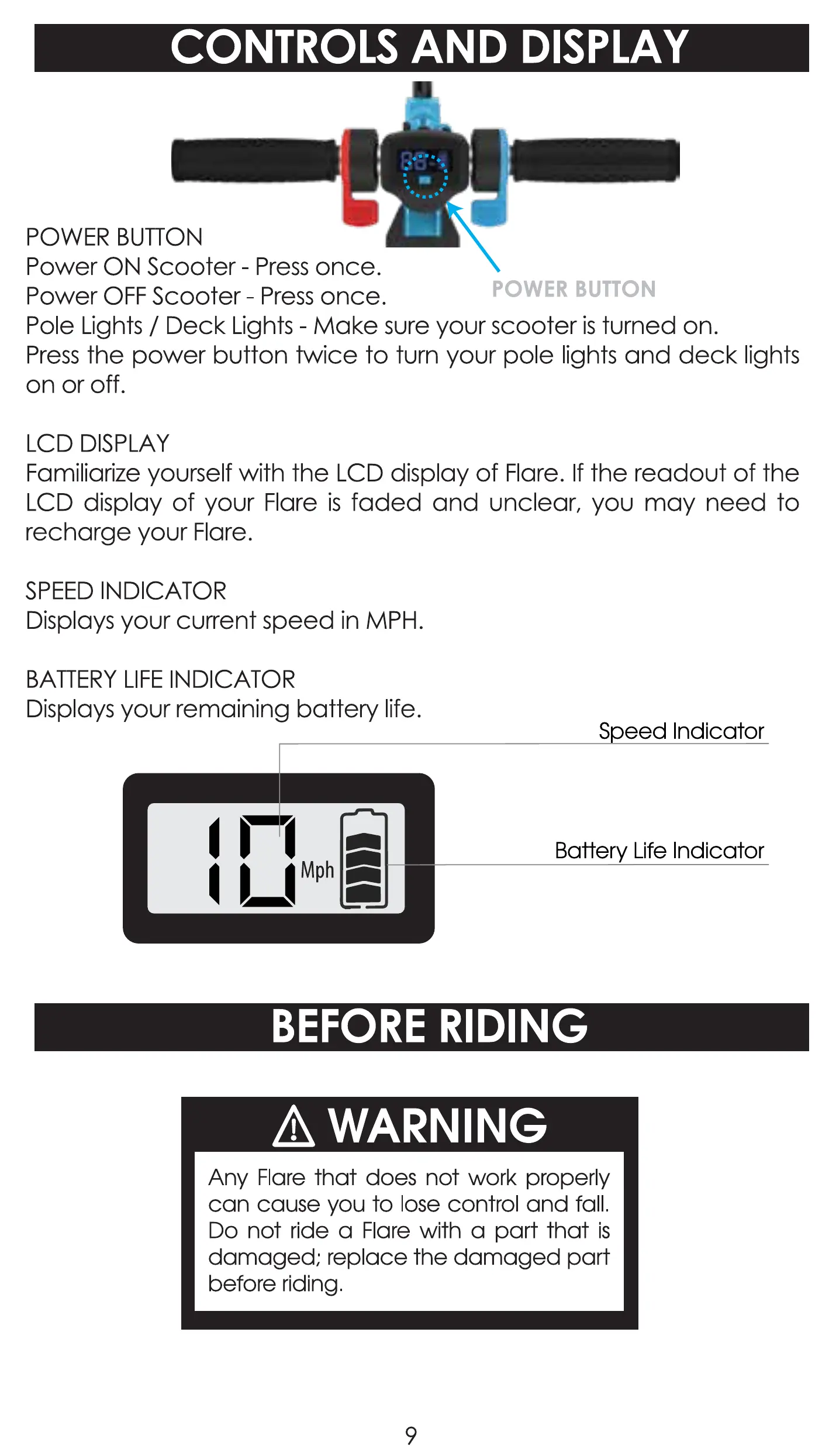
POWER BUTTON
Power ON Scooter - Press once.
Power OFF Scooter - Press once.
POWER BUTTON
Pole Lights / Deck Lights - Make SCJreyour scooter is turned on.
Press the power button twice to turn your pole lights and deck lights
on or off.
LCD DISPLAY
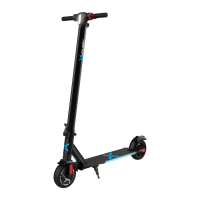
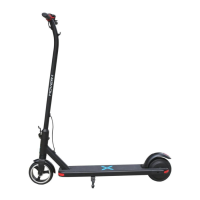
Familiarize yourself with the LCD display of Flare. If the readout of the
LCD display of your Flare is faded and unclear, you may need to
recharge your Flare.
SPEED INDICATOR
Displays your current speed in MPH.
BATTERY LIFE INDICATOR
Displays your remaining battery life.
S eed Indicator
Battery Life Indicator
BEFORE RIDING
A WARNING
Any Flare that does not work properly
can cause you to lose control and fall.
Do not ride a Flare with a part that is
damaged; replace the damaged part
before riding.
9


 To Next Page