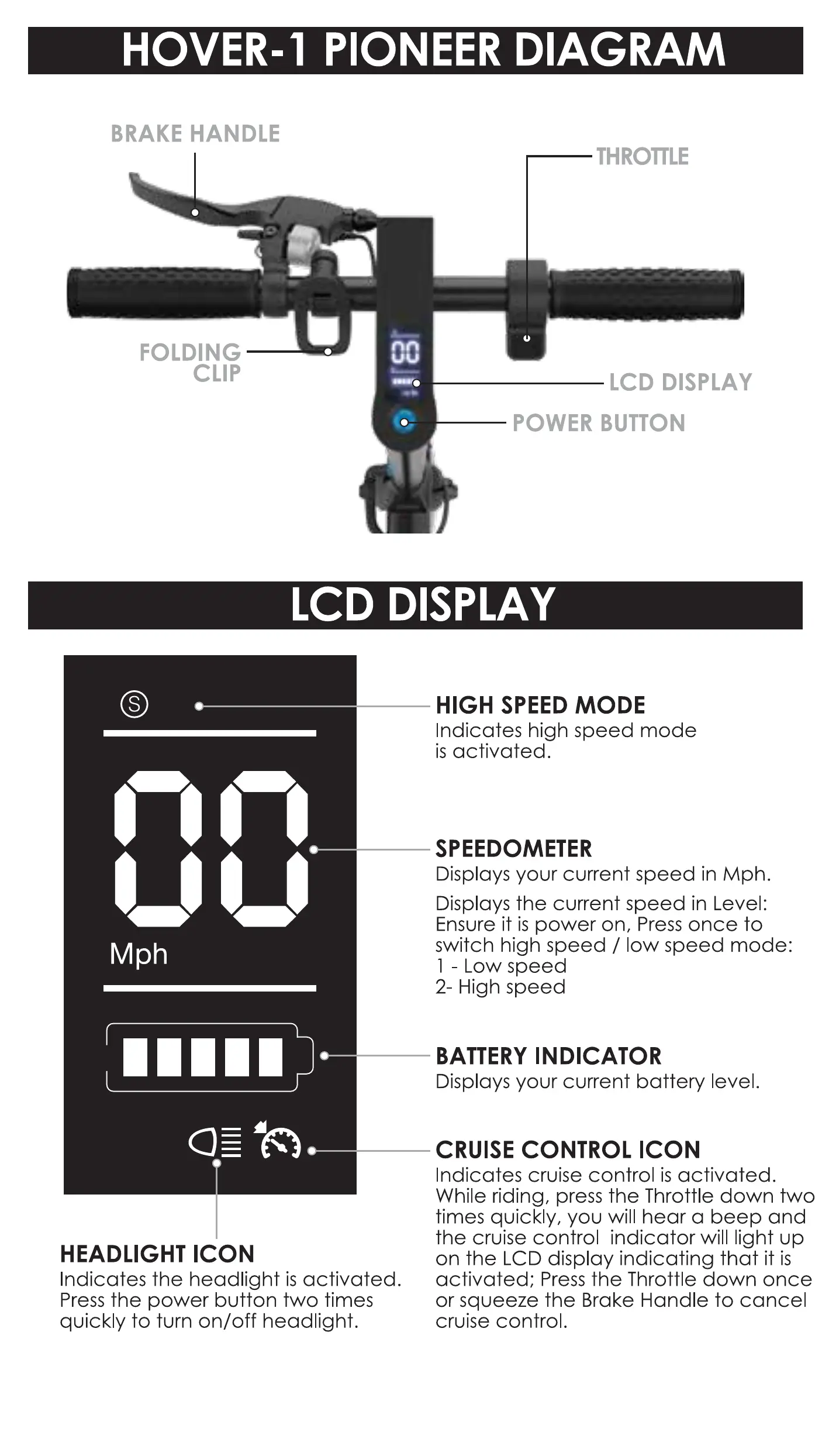
FOLDING
CLIP
Mph
00000
HEADLIGHT ICON
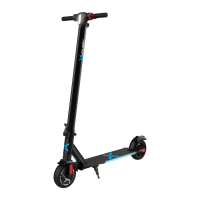
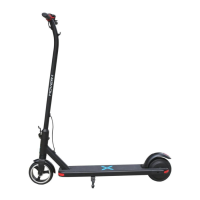
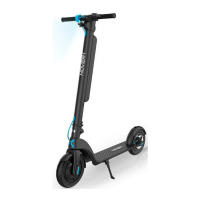
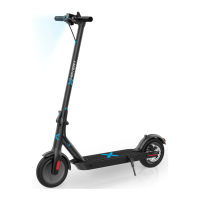
HOVER-I PIONEER DIAGRAM
BRAKE HANDLE
nn
THROTTLE
LCD DISPLAY
POWER BUTTON
LCD DISPLAY
Indicates the headlight is activated.
Press the power button two times
quickly to turn on/off headlight.
HIGH SPEED MODE
Indicates high speed mode
is activated.
SPEEDOMETER
Displays your current speed in Mph.
Displays the current speed in Level:
Ensure it is power on, Press once to
switch high speed / low speed mode:
I - Low speed
2- High speed
BATTERY INDICATOR
Displays your current battery level.
CRUISE CONTROL ICON
Indicates cruise control is activated.
While riding, press the Throttle down two
times quickly, you will hear a beep and
the cruise control indicator will light up
on the LCD display indicating that it is
activated; Press the Throttle down once
or squeeze the Brake Handle to cancel
cruise control.
16


 To Next Page