EasyManua.ls Logo

Hoymiles DTU-W100 - User Manual

Hoymiles DTU-W100
16 pages
Print Icon
To Next Page IconTo Next Page
Loading...
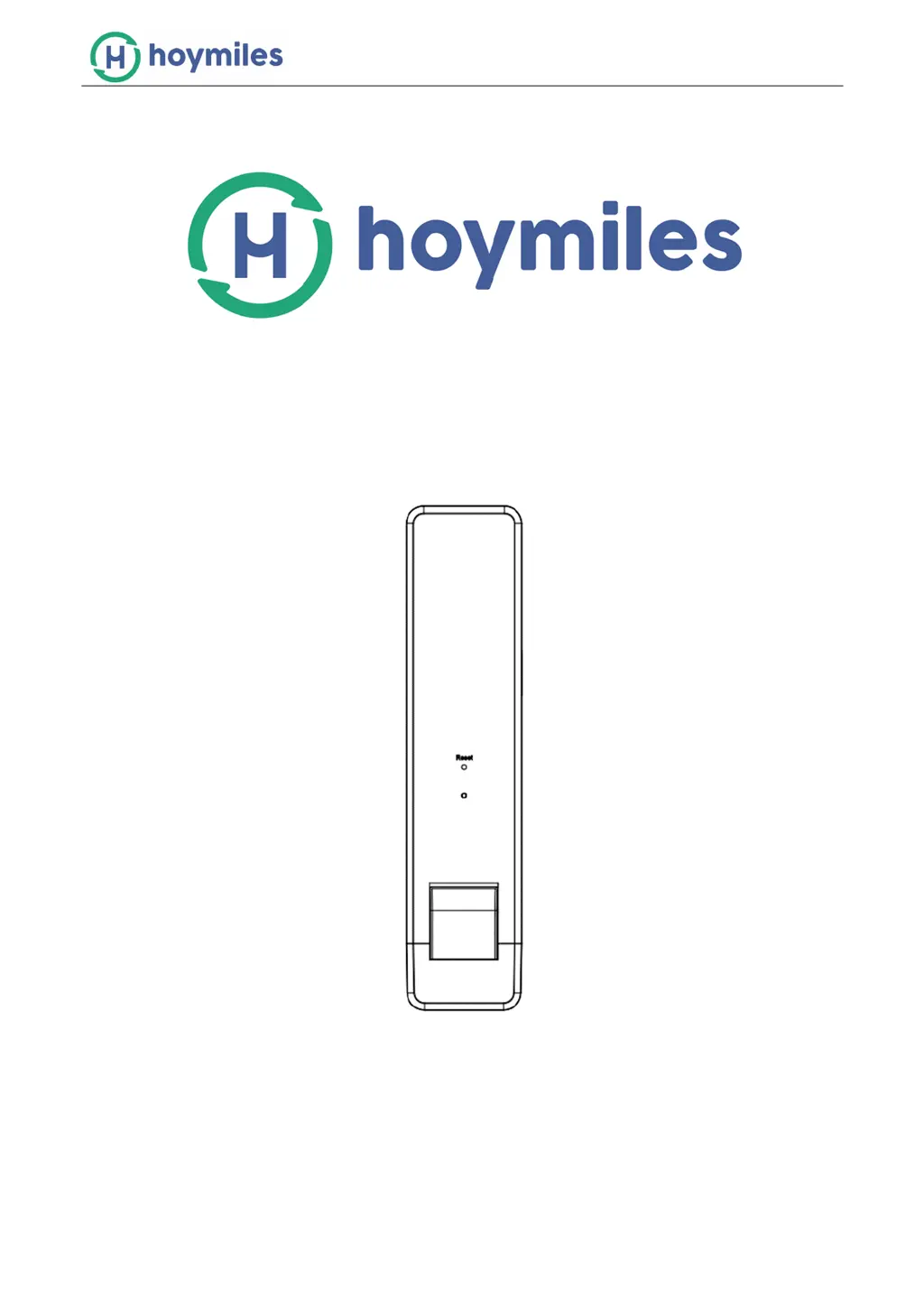
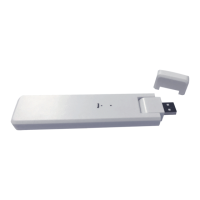
Data Transfer Unit
DTU-W100
User Manual
REV1.0 All rights reserved

Other manuals for Hoymiles DTU-W100

Questions and Answers

  • A
    Alvin WilsonAug 14, 2025
    What to do if the LED is flashing red every 1 second on my Hoymiles DTU-W100 Measuring Instruments?
    • M
      michaeldavilaAug 14, 2025
      If the LED on your Hoymiles Measuring Instruments is flashing red every 1 second, it indicates that the DTU has no ID and is disconnected from Wi-Fi. To resolve this, first, verify the distance between your router and the DTU, ensuring it's within the specified range. Next, double-check that you've correctly entered your home router's password during setup. Try connecting another device to your home router to confirm a stable and effective reception. As a further step, attempt connecting the DTU to a mobile hotspot to check if data uploading is successful.
  • N
    Norma BennettAug 17, 2025
    What to do if the LED is flashing red every 0.5 seconds on my Hoymiles DTU-W100 Measuring Instruments?
    • M
      Mary CunninghamAug 17, 2025
      If the LED on your Hoymiles Measuring Instruments is flashing red every 0.5 seconds, it means the DTU is disconnected from the server. To fix this, re-do the configuration. Also, double-check the Port and server address inside the DTU. For the correct address, please contact the Hoymiles Technical Support team.
  • B
    bmooreAug 21, 2025
    Why is the LED light constantly blue on my Hoymiles Measuring Instruments?
    • M
      Michael WrightAug 21, 2025
      If the LED on your Hoymiles Measuring Instruments is constantly blue, it means the W100 has a Wi-Fi connection but lacks an ID. To resolve this, complete the site creation on the APP or Monitoring platform and ensure networking is completed.
  • M
    Michael RobertsAug 25, 2025
    What to do if the LED light is green every 0.5 seconds on my Hoymiles DTU-W100?
    • W
      Wendy SmithAug 25, 2025
      If the LED on your Hoymiles Measuring Instruments lights up green every 0.5 seconds, it indicates that the search ID is incomplete. To solve this, relocate the DTU to a location closer to both the router and the Microinverter.
  • M
    Martin NealAug 29, 2025
    What to do if Hoymiles DTU-W100 DTU disconnects with the server?
    • D
      davidwashingtonAug 29, 2025
      If your Hoymiles Measuring Instruments DTU disconnects from the server, try redoing the configuration. Also, double-check the Port and server address inside the DTU. For the correct address, please contact the Hoymiles Tech Support team.
  • J
    Jason DuranSep 1, 2025
    How to fix Hoymiles Measuring Instruments W100 with ID inside but no Wi-Fi connection?
    • M
      Michael SmithSep 1, 2025
      To fix a Hoymiles Measuring Instruments W100 that has an ID but no Wi-Fi connection, complete the site creation on the APP or Monitoring platform and complete networking.
  • J
    James CantuSep 5, 2025
    What to do if Hoymiles DTU-W100 Measuring Instruments W100 has Wi-Fi connection but without ID inside?
    • M
      Michael WoodSep 5, 2025
      If your Hoymiles Measuring Instruments W100 has a Wi-Fi connection but no ID inside, ensure that you complete the site creation on the APP or Monitoring platform. Also, make sure to complete the networking process.
  • C
    collinsfranciscoSep 9, 2025
    How to fix Hoymiles DTU-W100 Measuring Instruments when there is no ID?
    • J
      Jerry Little PhDSep 9, 2025
      To resolve the 'No ID' issue on your Hoymiles Measuring Instruments, complete the networking process.

Summary

Important Safety Information

Safety Instructions

Guidelines for safe installation, maintenance, and handling of the DTU.

Manual Audience and Symbols

Identifies intended users and explains graphical symbols and warnings.

Hoymiles Monitoring System

System Components

Details the Microinverters and Hoymiles Monitoring Server.

DTU Installation and Configuration

Physical DTU Installation

Steps for connecting the DTU to power and mounting.

Wi-Fi Network Setup

Procedure to connect the DTU to a Wi-Fi network for data transfer.

DTU Boot and Indicator Lights

Explains the startup process and meanings of LED indicator lights.

Installation Maps and Record Keeping

Server-Side Data Monitoring

Mobile App Data Monitoring

Device Specifications

Hoymiles DTU-W100 Specifications

General IconGeneral
BrandHoymiles
ModelDTU-W100
CategoryMeasuring Instruments
LanguageEnglish

Related product manuals