• Loose the five screws with the screwdriver.
Untighten the nut shown as picture and
remove the extra cable.
• Slightly screw the nut back to the body,
plug in the 3P-AC bus end cap and tighten
the nut.
• Plug the upper cover back to the 3P-AC
bus connector.
2. Installation Steps
1. Accessories
2.1 Pre-installation
All accessories above are not included by the package, will
need to be purchased separately. Please contact our sales
representative for the price (M8 screws will need to be
prepared by installer-self).
Please make sure the microinverter install under the required environment.
(Please refer to product user manual for more details).
A ) Plan the cable length to allow the bus cable align with
each PV module.
B ) Install the AC bus end cap:
• Use the 3P-Bus connector unlock tool to
unlock the connector upper cover;
ITEM DESCRIPTION
A 3P-AC Bus End Cap, IP67
B
3P-AC Bus Connector
C
3P-AC Connector Unlock Tool
D 3P-Bus Connector Unlock Tool
E 3P-AC Sub Cap
F M8*25 screws
G DC Extension Cable,1m
H
B C D E F GH
3P-AC Bus Cable, 12/10 AWG Optional
2.2 Installation Steps
Step 1. Fix Microinverter on the Rail
A ) Mark the approximate center of each panel on the frame.
B ) Fix the screw on the rail.
*Note:
© 2020 Hoymiles Power Electronics Inc. All rights reserved. AP040299 REV1.1
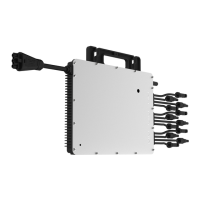
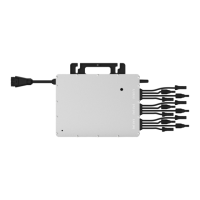
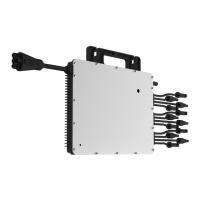
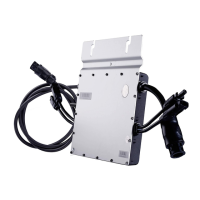
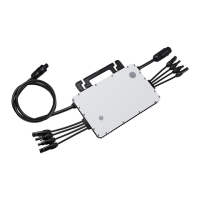
Installing HMT-1800/2250 Three-Phase Microinverter
Quick Installation Guide
A

 Need help?




 To Next Page
 General