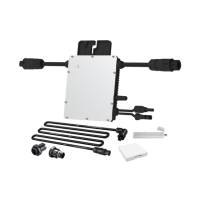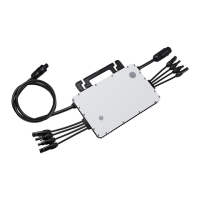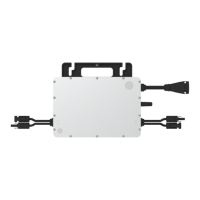
EasyManua.ls Logo

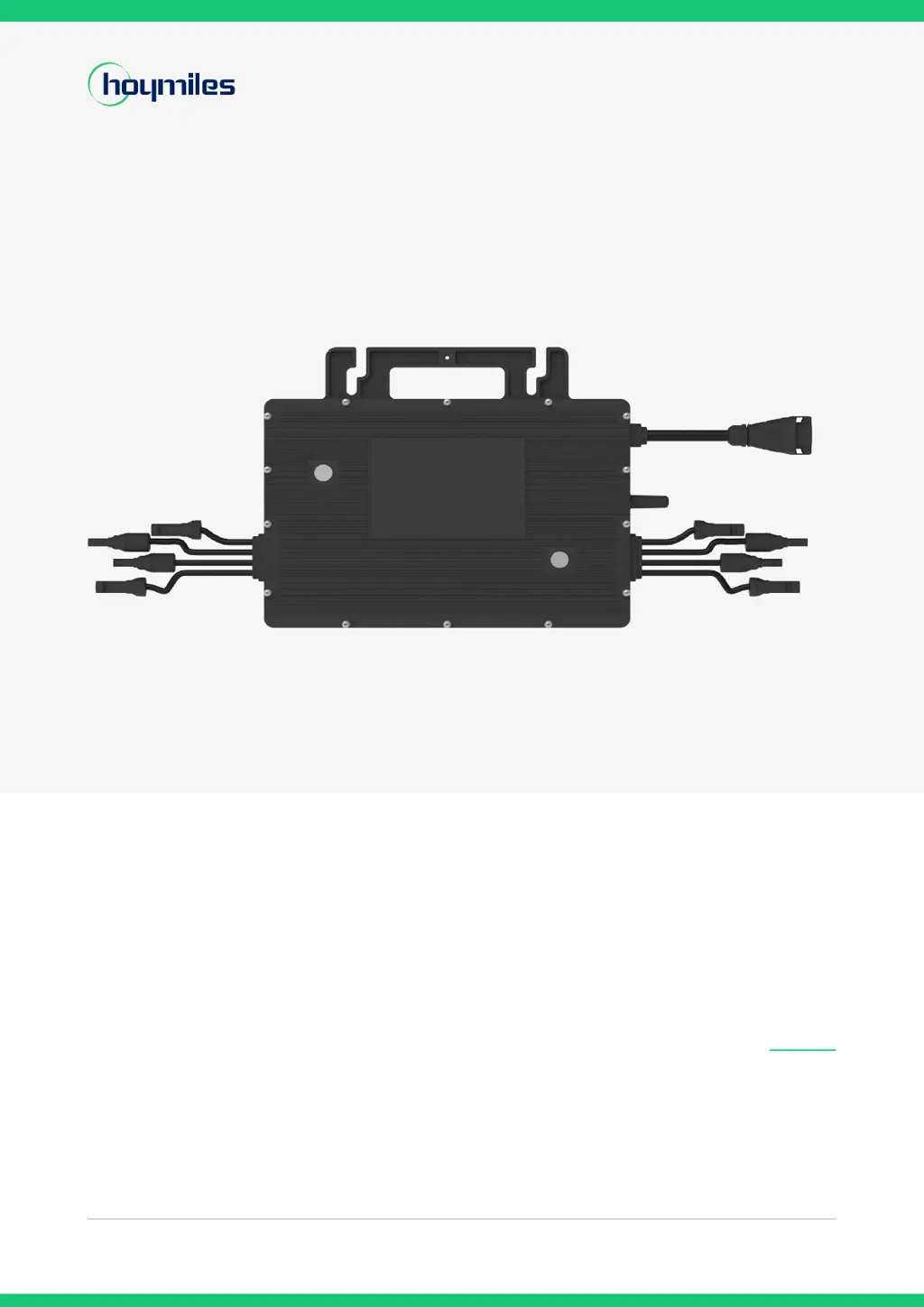
Hoymiles HMT-1600-4T - User Manual

Hoymiles HMT-1600-4T
26 pages
Print Icon
To Next Page IconTo Next Page
Loading...
Open Energy for All
Three-phase Microinverter
HMT-1600-4T
HMT-1800-4T
HMT-2000-4T
USER MANUAL
Region: EMEA & APAC V202303
hoymiles.com

Other manuals for Hoymiles HMT-1600-4T

Questions and Answers

  • S
    Shane FlemingAug 13, 2025
    How to fix firmware error on Hoymiles HMT-1600-4T Inverter?
    • B
      Brittney LopezAug 13, 2025
      If you encounter a firmware error with your Hoymiles Inverter, first verify that the firmware is correct and attempt to upgrade it again. Next, check the communication between the DTU and the Hoymiles monitoring system, as well as the communication between the DTU and the microinverter. After checking the communication, try again. If the problem persists, contact your dealer or Hoymiles technical support.
  • H
    Heather SmithAug 17, 2025
    What to do if Hoymiles Inverter shows grid overvoltage?
    • D
      dayrachaelAug 17, 2025
      If a grid overvoltage alarm occurs occasionally on your Hoymiles inverter, it might be due to a temporary grid voltage abnormality; the microinverter should recover automatically once the voltage returns to normal. However, if the alarm appears frequently, verify that your grid voltage is within the acceptable range. If it's not, contact your local power operator or, with their consent, adjust the grid overvoltage protection limit using the Hoymiles monitoring system.
  • A
    Andrew NelsonAug 21, 2025
    What to do if Hoymiles Inverter is offline?
    • R
      Raymond MartinezAug 21, 2025
      First, ensure that the Hoymiles microinverter is working correctly. Then, check the communication status between the DTU and the Hoymiles monitoring system, as well as between the DTU and the microinverter itself. If the communication is poor, try to improve it. If the alarm continues frequently and you can't resolve it, it may be necessary to contact your dealer or Hoymiles technical support.
  • D
    Donald SuarezAug 25, 2025
    Why does my Hoymiles HMT-1600-4T have over temperature protection?
    • T
      Timothy ThorntonAug 25, 2025
      If your Hoymiles Inverter is showing an over-temperature protection warning, first check the ventilation and ambient temperature around the microinverter's installation location. If ventilation is poor or the ambient temperature is too high, improve the ventilation to help dissipate heat. If both ventilation and temperature are within acceptable limits, contact your dealer or Hoymiles technical support for further assistance.
  • M
    Meghan SmithAug 28, 2025
    What to do if Hoymiles HMT-1600-4T Inverter shows 10 min value grid overvoltage?
    • A
      aaron22Aug 28, 2025
      If you get a '10 min value grid overvoltage' alarm on your Hoymiles microinverter, it could be a temporary issue with the grid voltage; the inverter should automatically recover when the voltage stabilizes. If the alarm persists, check if the grid voltage is within the correct range. If it is not, contact your local power operator or adjust the grid overvoltage protection limit via the Hoymiles monitoring system, with their approval.
  • A
    allen85Sep 1, 2025
    What to do if Hoymiles HMT-1600-4T has software error code 126?
    • R
      Roberto JacksonSep 1, 2025
      If your Hoymiles microinverter displays software error code 126 and continues to operate normally, no action is needed. However, if the error occurs frequently and affects performance, contact your dealer or Hoymiles technical support for assistance.
  • S
    Steven HernandezSep 4, 2025
    What to do if Hoymiles Inverter has software error code 128?
    • A
      Allen GriffinSep 4, 2025
      If your Hoymiles microinverter displays software error code 128 and continues to operate normally, no action is needed. However, if the error occurs frequently and affects performance, contact your dealer or Hoymiles technical support for assistance.
  • M
    Mary NguyenSep 8, 2025
    What to do if Hoymiles HMT-1600-4T has software error code 129?
    • L
      Larry DouglasSep 8, 2025
      If your Hoymiles microinverter displays software error code 129 and continues to operate normally, no action is needed. However, if the error occurs frequently and affects performance, contact your dealer or Hoymiles technical support for assistance.

Summary

Important Notes

Product Range Overview

Details the specific Hoymiles microinverter models covered by the manual.

Target User Group

Identifies the intended audience, specifying qualified technicians for installation and maintenance.

Safety Symbols Explained

Explains the meaning of various safety symbols used throughout the manual for clear understanding.

Radio Interference Compliance

Provides information on compliance with CE EMC requirements and measures to mitigate interference.

Safety Information

Critical Safety Instructions

Outlines crucial safety precautions for installation, operation, and maintenance of the microinverter.

Understanding Safety Symbols

Defines the meaning of warning, caution, and information symbols for safe handling of the equipment.

Product Details

PV Inverter System Overview

Describes the components and function of a typical grid-tied PV inverter system.

Microinverter Technology and Features

Explains microinverter functionality, MPPT, 4-in-1 design, Sub-1G tech, and key highlights.

Physical Specifications

Details terminal connections and physical dimensions of the microinverter unit.

Installation Preparation

Optimal Placement and Clearance

Specifies optimal placement and clearance around the microinverter for ventilation and heat dissipation.

Connecting PV Modules

Guides on how to connect PV modules to the microinverter, including cable use and voltage considerations.

Required Installation Tools

Lists the necessary tools required for the installation of the microinverter system.

AC Branch Circuit Capacity Limits

Defines the maximum number of microinverters allowed per AC branch circuit based on cable gauge and voltage.

Installation Precautions and Guidelines

Details essential precautions for installation location, environmental conditions, and safe practices.

Microinverter Installation Guide

Included and Optional Accessories

Lists the required accessories for microinverter installation, noting items that need separate purchase.

Step-by-Step Installation Procedure

Provides a comprehensive step-by-step guide for the physical installation and connection of the microinverters.

Troubleshooting and Maintenance

Error Code Troubleshooting

Offers solutions for common alarm codes and error conditions encountered with the microinverter.

System Status Indicators and Diagnostics

Explains LED patterns, on-site inspection, and routine maintenance for system health.

Microinverter Replacement Guide

Details the process for safely removing and replacing a microinverter, both physically and in the monitoring system.

Decommissioning Procedures

System Decommissioning Steps

Describes the steps for safely disconnecting and removing the microinverter from the system.

Storage and Transportation Guidelines

Provides guidance on proper packaging, storage temperatures, and handling during transportation.

Environmentally Responsible Disposal

Advises on the correct procedures for disposing of the microinverter in compliance with environmental regulations.

Technical Specifications

Appendix 1: Installation Mapping

Installation Map Template

Provides a template for documenting the physical layout and serial numbers of installed microinverters.

Appendix 2: Wiring Diagrams

Three-Phase Wiring Diagram

Illustrates the electrical wiring connections for the three-phase microinverter system.

Hoymiles HMT-1600-4T Specifications

General IconGeneral
ModelHMT-1600-4T
Number of MPPTs4
Weight3.5 kg
Startup Voltage16V
Power Factor>0.99
Total Harmonic Distortion (THD)<3%
Efficiency CEC96%
Maximum DC Input Power2000W
Peak Efficiency96.5%
Cooling MethodNatural Convection
Input Voltage Range16V-60V
MPPT Voltage Range16V-60V
Efficiency96.5%
Nominal Output Frequency/Range50Hz / 45-55Hz
AC Output Frequency50Hz

Related product manuals