Chapter 3Load paper or transparency film, or load originals 11
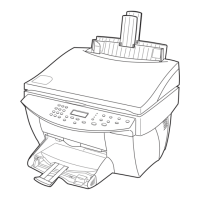
HP Color Copier
Process letter- or A4-size originals exclusively
If you are processing
only
letter or A4-size originals, follow these steps.
1 Lift the lid, and make sure that the glass is clean and that you did not leave anything
on the glass.
For more information, see Clean the glass.
2 Close the lid.
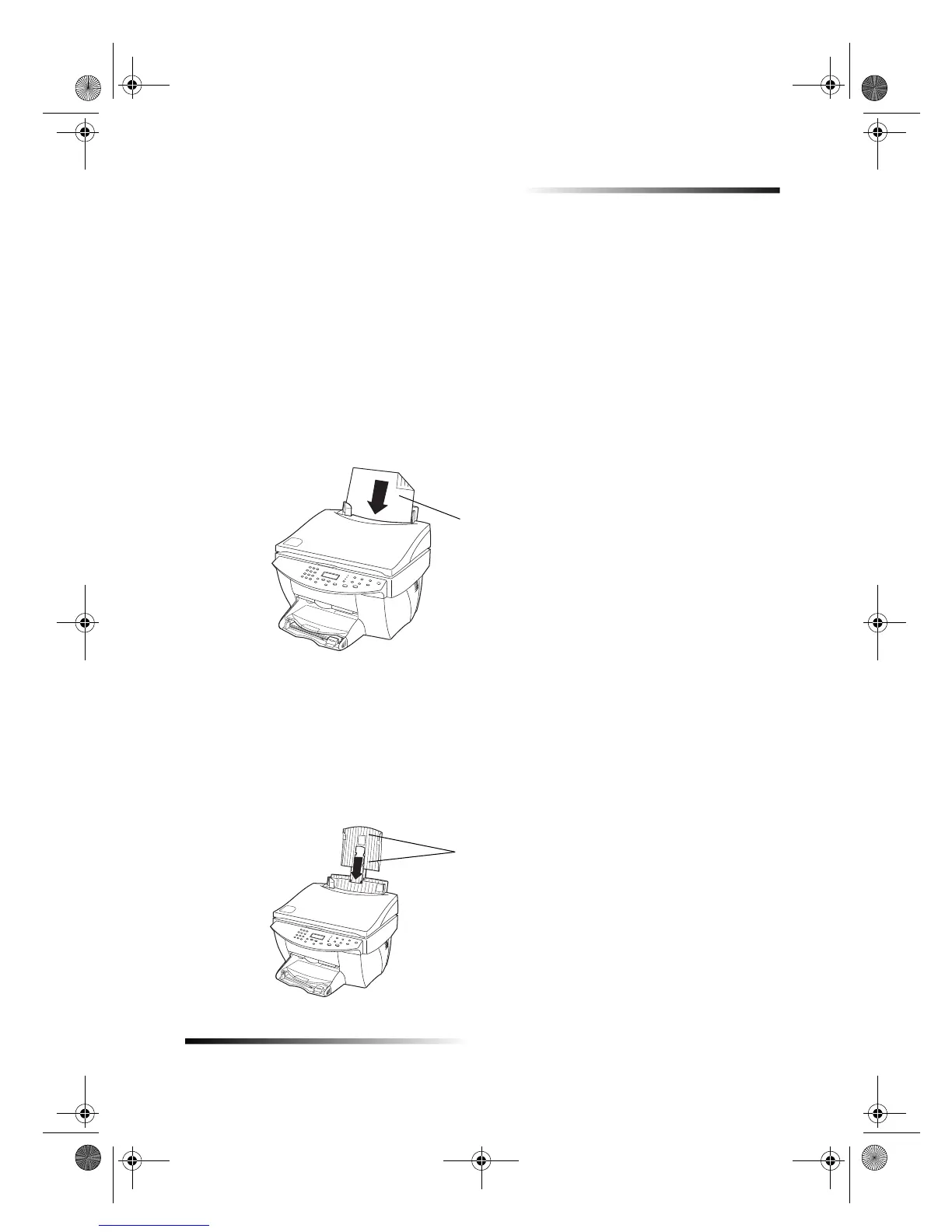
3 Place your originals in the ADF with the printed side facing toward the back and
with the top to the right (sideways).
4 Align the paper with the right side of the ADF.
5 Adjust the page guide to the length of the originals.
Process legal- or mixed-size originals
If you intend to copy legal-size originals, follow these instructions for installing and
using the legal-size tray. Legal-size paper is traditionally used only in the U.S. The legal-
size tray may be included with your product
only
in the U.S.
To install the tray
` Slide the legal-size tray onto the
front
paper-tray extender located on the ADF lid.
Insert only letter or A4-
size originals sideways,
even if the legal-size
tray is attached.
Slide tray onto extender.
Cam.book Page 11 Friday, February 25, 2000 11:32 AM


 To Next Page