20 Chapter 4Use the copy features
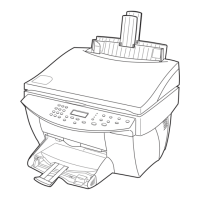
HP Color Copier
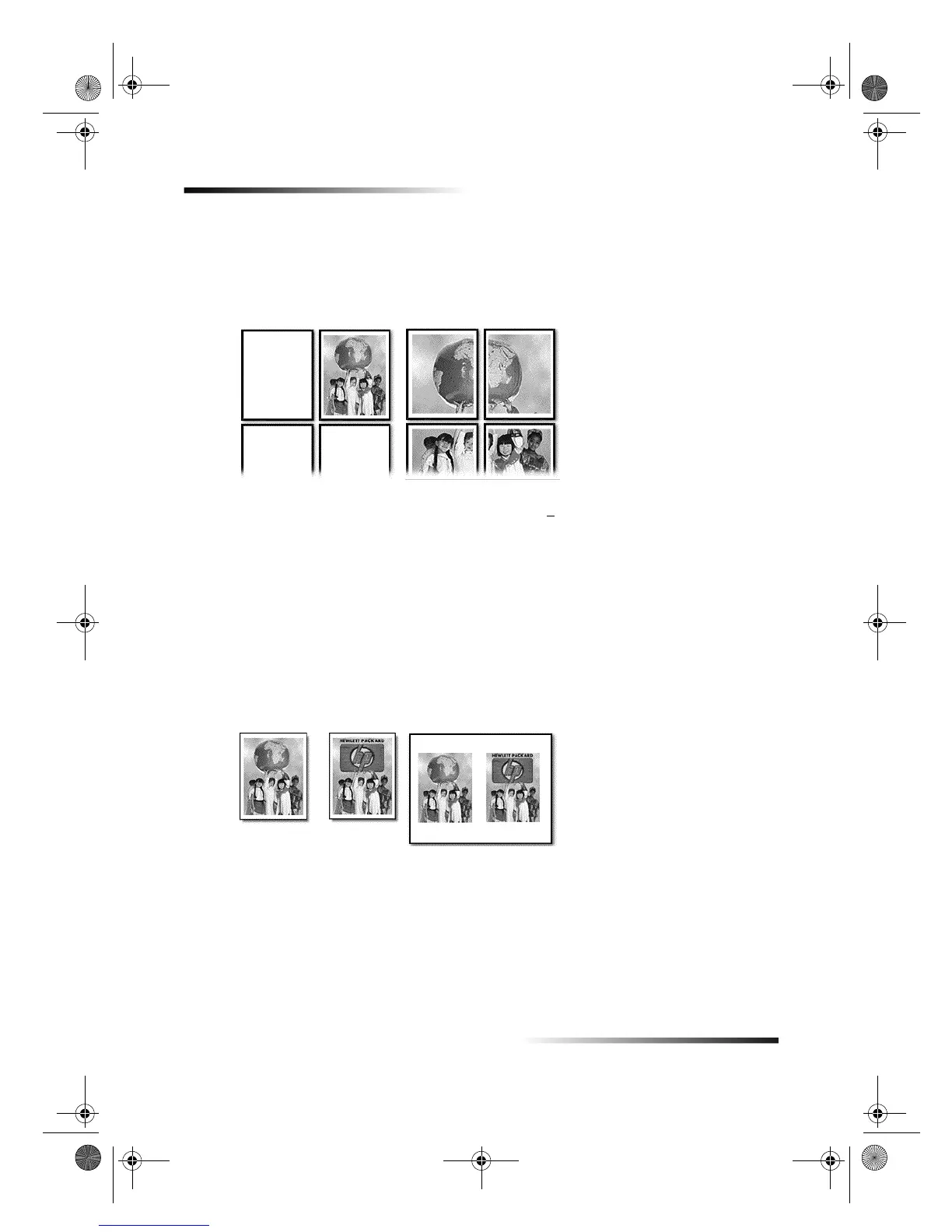
Make a poster
Use Poster to divide your original into sections, and then enlarge the sections so that
they can be assembled to create a poster.
1 Press Special Features until Poster 400% +
appears.
2 If desired, press the minus () or plus (+) button to change the percentage.
TIP
If you press and hold either key, the number changes first in increments of
one, and then in increments of five.
3 Press ENTER to confirm your selection.
Copy two pages onto one page
Use 2 on 1 to copy two originals to one page.
You can only make one copy at a time using this feature.
1 Press Special Features until 2 on 1 appears, and then press ENTER to select it.
2 If you are not using an ADF, place the second original on the glass after the message
appears on the display.
Original Poster
Original 2 on 1
Cam.book Page 20 Friday, February 25, 2000 11:32 AM


 To Next Page